
Home / Blog / Photo Book Layout Ideas: Design Tips for a Book People Actua
Photo Book TipsPhoto Book Layout Ideas: Design Tips for a Book People Actually Finish
A good layout is mostly restraint: fewer photos per page, a clear story order and captions that stay out of the way. Here is how to plan a 12 to 20 page photo book that feels designed, not crowded.
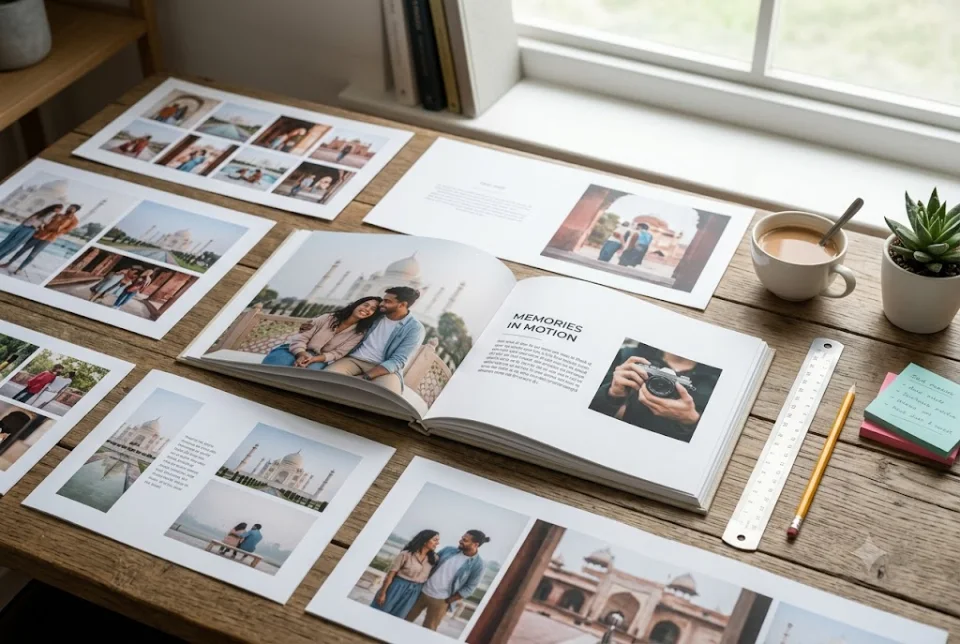
The best photo book layout ideas come down to five habits: give every page one clear hero photo, keep two to four photos on most pages, leave breathing space around them, group pictures by moment instead of by date, and keep captions short. A 12 to 20 page book cannot hold everything, so the layout is really a series of choices about what to leave out.
This guide walks through photo book layout ideas in the order you would actually make them, from the story to the cover to the final file check. It is written for printed memory books made from phone photos, which is how most Indian families end up making them.
Plan the story before the layout
Good photo book layout ideas start before any page is designed. If you drop 150 photos into a book with no plan, the designer has to guess what matters, and the result is a grid of similar faces.
Write the book as five or six short chapters on a single sheet of paper. For an anniversary book it might be: how we met, the wedding, the first home, the kids, the trips, and today. For a birthday book it could be: childhood, school and college, work, family functions, and a closing page of wishes. Each chapter gets two to three pages in a 16 page book, and that number tells you how many photos you can really afford.
If you are still choosing which pictures deserve a place, our guide on how to choose photos for a memory book covers the shortlisting step in detail.
Page flow: photo book layout ideas for reading order
A photo book is read in spreads, which means two facing pages seen together. Good photo book layout ideas treat each spread as a small poster and the whole book as a short film.
- Open quietly. Page one works best with a single strong image and a title or a short line, not a collage. It sets the mood.
- Alternate loud and quiet spreads. After a busy spread with four or five photos, follow with one that has a single large photo. The contrast keeps the reader interested.
- Keep a visible order. Chronological order is the safest. Theme order, such as all trips together, also works if each theme has a clear heading.
- Place the strongest photo on the right-hand page. The eye tends to settle on the right side after a page turn, so many designers put the emotional peak there. Treat it as a guideline, not a rule.
- End on something warm. A recent photo, a handwritten note scanned in, or a line like "to be continued" closes better than a random last picture.
How many photos per page: photo book layout ideas by page type
This is the question people search for most, and the honest answer depends on the page size and the story. As a working rule for a photo book of 12 to 20 pages:
- One photo: for the 3 or 4 moments that matter most, such as the wedding pheras, a newborn's first day or the group photo from a farewell.
- Two to three photos: for most pages. This is the sweet spot where every picture is still large enough to enjoy.
- Four to six photos: for event recaps, like the sangeet night or a Goa trip day, where the point is the mood, not any single frame.
- More than six: only for a single "snapshot" page, such as a year in small squares. Anything above eight starts to look like a contact sheet.
Do the maths early. In a 16 page book at an average of three photos a page, you have room for about 45 to 50 pictures. If your shortlist has 120, cut it, or move to a 20 page book at ₹1,999 instead of squeezing everything onto each page. Cutting nearly always improves the book more than adding pages.
Use white space on purpose
Empty space is the most underrated of all photo book layout ideas. Beginners treat blank areas as wasted paper and fill them. Designers treat them as the frame that makes a photo look important.
A few practical rules help. Keep a consistent margin around the page edge so nothing feels cramped or risks being trimmed at the cut. Keep the gap between photos equal, typically a few millimetres, so the page looks ordered. Let one photo on a page be clearly the biggest, and let the others support it instead of competing.
Full-bleed photos, which run right to the edge of the page, are powerful but should be rare. Use them for landscapes, a bride's entry or a sunset on a trip, and keep faces away from the outer edge where trimming can happen. Two or three full-bleed spreads in a book make them feel special. Ten make them ordinary.
Photo book layout ideas for mixing portrait and landscape photos
Phones shoot tall photos for people and wide photos for places, so most albums are an unplanned mix. Handled well, that mix gives rhythm. Handled badly, it leaves tiny wide photos floating on tall pages.
- Pair like with like. Two portrait photos side by side on one page look tidy. A portrait next to a landscape often needs careful sizing to stay balanced.
- Give landscapes the full spread. A wide photo that runs across both pages suits a venue, a mountain view or a family group, but keep faces out of the centre fold.
- Do not crop people at the neck or knees. If a layout needs a heavy crop, change the layout, not the photo.
- Use square crops sparingly. They work for Instagram-style details like food, rangoli or a close-up of hands, but a square crop of a wide group shot cuts people out.
When you share photos with a studio, send them in their original orientation. Do not rotate or pre-crop them in a collage app, because the designer needs the full frame to choose the best fit.
Captions that help the layout
Among photo book layout ideas, captions are the easiest to get wrong. A caption is a design element as much as a writing task. The best ones are short, placed in the same position on every page, and set in one clear font size.
Aim for five to twelve words for a standard photo and one or two lines for a full-page photo. Name the people, the place and the year, and add one detail only you would know: "Dadi refusing to leave the swing, Jaipur, 2019". A page of three captions of four lines each will never be read, and it will also crowd the photos.
Not every photo needs a caption. Caption the first photo of each chapter, the photos with a story and the ones where a name would otherwise be forgotten in 20 years. If you need wording help, see our photo book caption ideas and what to write in a memory book.
Designing the cover
People judge a book by its cover long before they open it, and a cover also decides whether the book gets picked up from the table. These photo book layout ideas for covers are simple to apply.
- Choose one photo, not a collage. A single clear image of the person or couple is better than a mosaic of six faces.
- Pick a photo with calm space. If the title will sit on the photo, make sure there is a plain area, like sky or a wall, for the text.
- Keep the title short. A name and a year, such as "Ankita and Rohan, 10 Years", is enough. Add a subtitle only if it adds meaning.
- Match the cover to the mood. A candid laughing photo suits a friendship book. A formal portrait suits a parents' 25th anniversary book.
For gifting, think about who opens it. A book for grandparents may suit a larger title and a familiar studio photo of the family. A surprise for a partner can use a private joke as the subtitle.
Colour, fonts and consistency
Consistency is one of the quieter photo book layout ideas. A book looks professional when its small decisions repeat. Choose one or two accent colours and use them for headings, borders or page numbers, and nothing else. Soft cream, ivory, dusty blue and charcoal are safe backgrounds because they let skin tones and festival colours stand out.
Avoid strongly coloured backgrounds: maroon behind a red lehenga or yellow behind haldi pictures makes both fight. A neutral page lets the photos carry the colour.
Stick to a maximum of two fonts: one for headings and one for captions. Keep text dark on light backgrounds or light on dark ones, never in mid-tone colours that look washed out in print. If the photos themselves vary, with some warm indoor shots and some cool daylight shots, a light editing pass to even the tone will make a spread look far more consistent.
Resolution and photo quality
Even the best photo book layout ideas cannot rescue a blurry file. Screens forgive low resolution, but print does not.
- Send the original file. Photos forwarded on WhatsApp are compressed and lose detail. Where you can, send them as documents, or share an album link with the original quality.
- Avoid screenshots and old downloaded images. Pictures saved from social media are small and look soft once enlarged to a full page.
- Match size to use. A phone photo from the last few years usually prints well at half a page. Full-page and full-spread photos need the sharpest originals you have.
- Check the face, not the file size. Zoom into the eyes. If they are sharp, the photo is usable. If everyone is blurred, use it small, or leave it out.
Getting your photo book layout ideas designed without learning software
You can design a book yourself with an online tool, but many people find that the layout stage takes longer than gathering the photos. The other route is to hand it to a studio. At Ragnar Studios you send your photos and captions on WhatsApp, a designer lays out the pages, you see a preview and ask for changes, and then the book is printed and delivered across India. Prices run from ₹1,199 for 12 pages to ₹1,999 for 20 pages.
A printed photo book is one way to keep these pictures, alongside an album or a framed print, and the comparison is covered in photo book vs photo album vs scrapbook. If you want the full process from photos to delivery, read how to make a photo book online in India, or look at a custom photo book to see what is included.
Whichever of these photo book layout ideas you use, send your shortlist with a one-line note on each chapter, say which photo should be the cover, and mention any person whose name must be spelled a particular way. That small brief saves the most time in the preview stage.
Frequently asked questions
What are the best photo book layout ideas for beginners?
Start with one hero photo per page, add two or three supporting photos, keep equal margins and leave some blank space. Group pictures by event or chapter, alternate busy spreads with calm ones, and keep captions to one short line. These few habits work for any theme, from a wedding to a family trip.
How many photos should I put on each page of a photo book?
Among photo book layout ideas, two to three photos per page suits most books. Use one large photo for your most important moments and four to six for event recap pages. In a 16 page book that works out to roughly 45 to 50 photos in total. If your shortlist is much longer, cut it or choose a book with more pages.
Should I mix portrait and landscape photos on the same page?
You can, and photo book layout ideas for mixed orientation come down to balance. Two portraits side by side look neat, and a wide photo often looks best across a full spread. A single portrait next to a single landscape may need careful sizing. Send original, uncropped photos so the designer can choose the best fit.
How long should photo book captions be?
Five to twelve words works for most photos, with one or two lines on a full-page image. Include the names, place and year, plus one personal detail. Short captions are the simplest of photo book layout ideas to apply. Long paragraphs on photo pages crowd the layout and are rarely read, so save longer stories for a dedicated page.
What photo works best for a photo book cover?
Of all photo book layout ideas for the cover, a single clear photo of the person or couple, with some plain space for the title, usually works best. Avoid busy collages and low-resolution images. Match the mood to the person, a candid laugh for friends or a formal portrait for a parents' anniversary, and keep the title short.
What resolution do photos need for a photo book?
Use the original file from your phone or camera rather than a WhatsApp-compressed copy. Recent phone photos usually print well at up to a full page. Screenshots and images saved from social media tend to look soft in print, so use them small or skip them.
What colours should I use in a photo book design?
Choose a neutral background like cream, ivory, grey or charcoal and one or two accent colours for headings. Strong backgrounds can clash with festival clothes and decorations in the photos. Use no more than two fonts, and keep text dark on light pages for easy reading.
Can I get help with the layout instead of designing it myself?
Yes. Ragnar Studios can turn your photo book layout ideas and notes into designed pages. You send photos and captions on WhatsApp, review a preview, and ask for changes before printing. Books are 12 to 20 pages and start at ₹1,199, with delivery across India.
If you would rather not spend evenings on page layouts, send your photos and captions on WhatsApp and let a designer handle it, starting with a custom photo book from ₹1,199.
Start your book
Tell us your story.
Build your enquiry here, then send it in WhatsApp. We’ll discuss the design, final price and delivery before you order.
- Choose a page count and occasion
- Add as much or as little story as you like
- Send photos in the same WhatsApp chat
- 1Book
- 2For
- 3Story
- 4Photos
- 5You
- 6Review
To create a book, contact us on WhatsApp or email info@ragnarstudio.com. The step-by-step form needs JavaScript.
Almost there
Your enquiry is ready to send.
Open WhatsApp, review the message and press Send. Share your selected photos in the same chat.
What is a good birthday wish for husband?
Happy birthday to the man who makes every ordinary day feel like home. Add a personal detail to make it your own.
What should I write in my husband’s birthday card?
Mention a specific memory, thank him for something real and wish him a happy year ahead.
How can I make a birthday wish funny?
Use affectionate teasing about shared habits, and keep the humour warm rather than harsh.
What is a short birthday wish for husband?
Happy birthday, my love. You are my home.
Can I post a birthday message for my husband on social media?
Yes. Pair a photograph with a short caption, and keep private details for a card or a personal note.
What gift goes well with a birthday message?
A personalised photo book, a watch or a wallet engraved with a message are popular options.
How early should I plan a birthday gift?
Plan at least two weeks ahead for personalised gifts to allow time for design and delivery.
Should I write the message by hand?
A handwritten message feels more personal, and you can also photograph it for a printed book.
Keep reading.
More ideas and guides from Ragnar Studios.
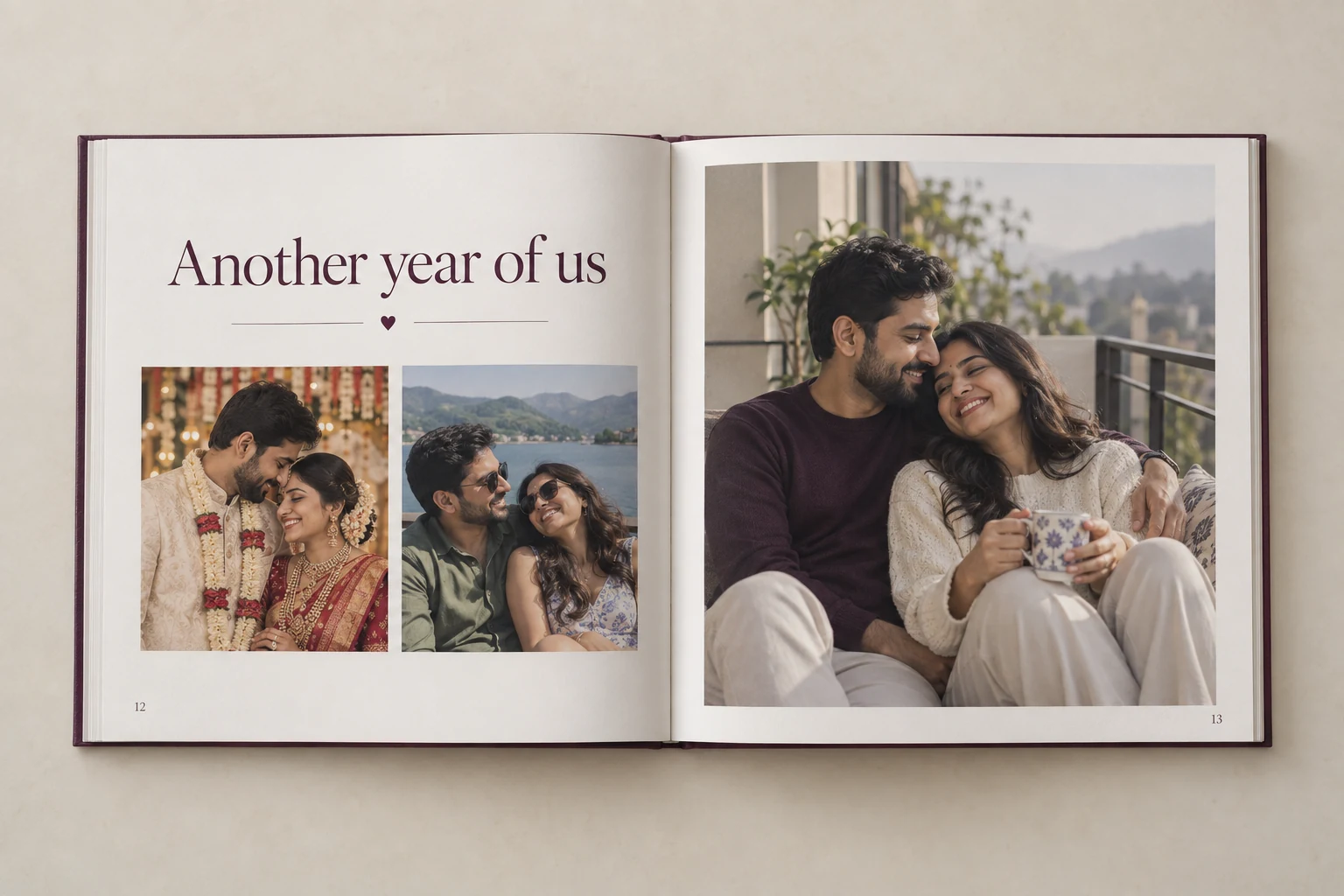 Gift Ideas · 8 min readAnniversary Gift Ideas by Year: 1st to 50th (With Personal Twists)From paper on the first anniversary to gold on the fiftieth, here are traditional anniversary themes, and ways to make each gift personal.Read the article →
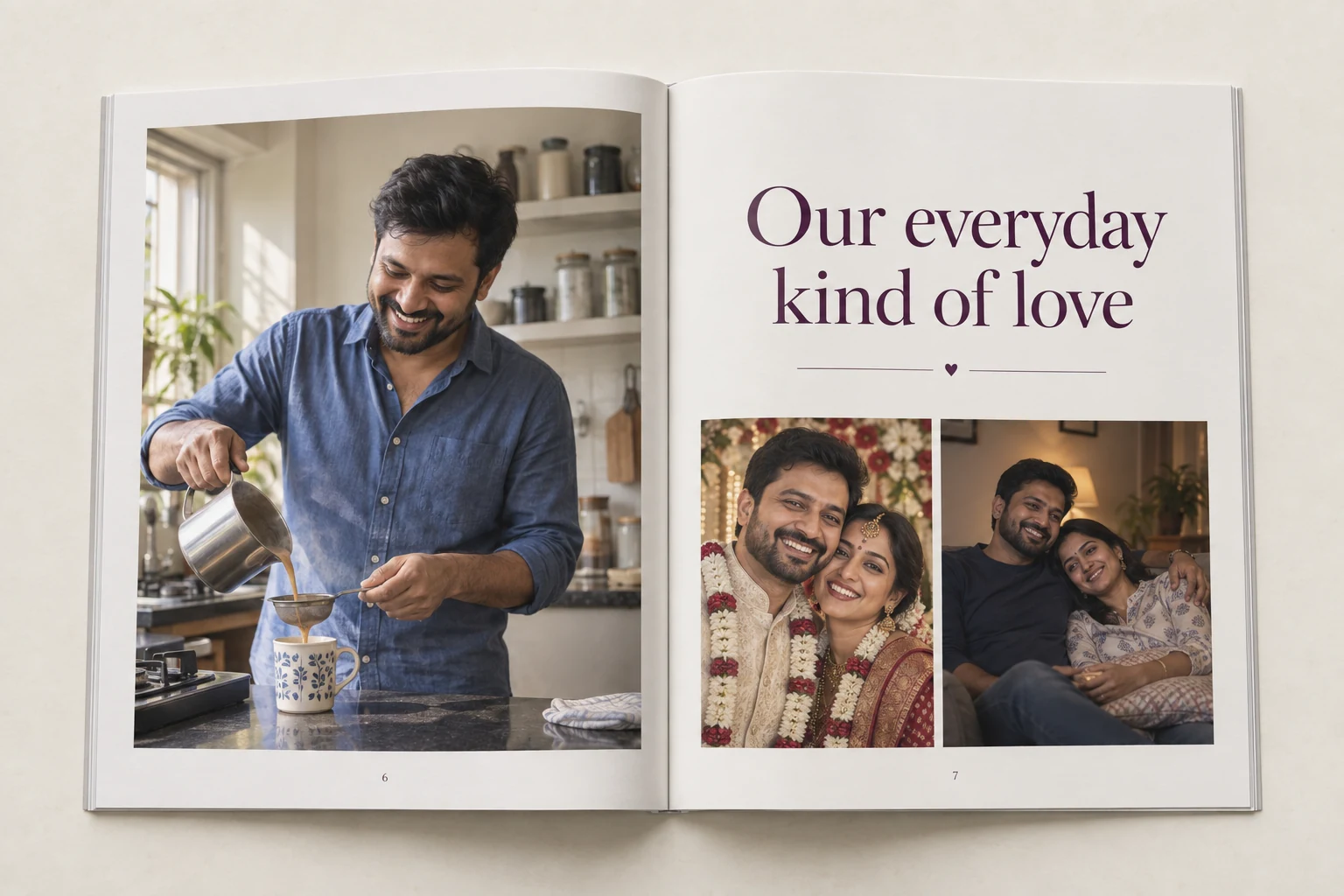 Gift Ideas · 7 min read25 Birthday Gift Ideas for Husband That Feel PersonalSkip the usual shirt and perfume. Here are 25 birthday gift ideas for your husband, sorted by personality, budget and how much planning they need.Read the article →
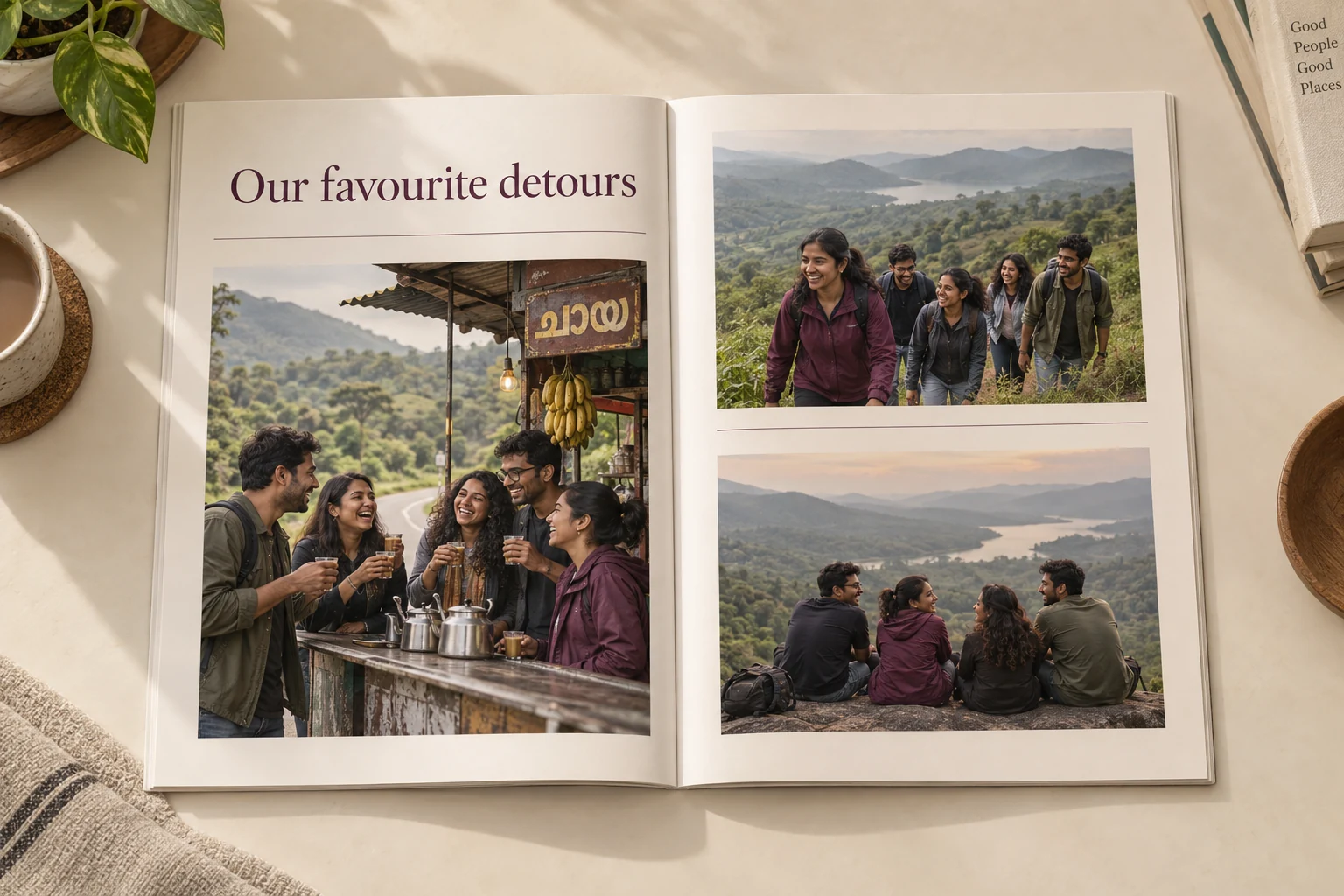 Photo Book Tips · 6 min read50 Photo Book Caption Ideas: Funny, Romantic and FamilyA good caption turns a photograph into a story. Here are 50 caption ideas for photo books, plus a simple formula for writing your own.Read the article →
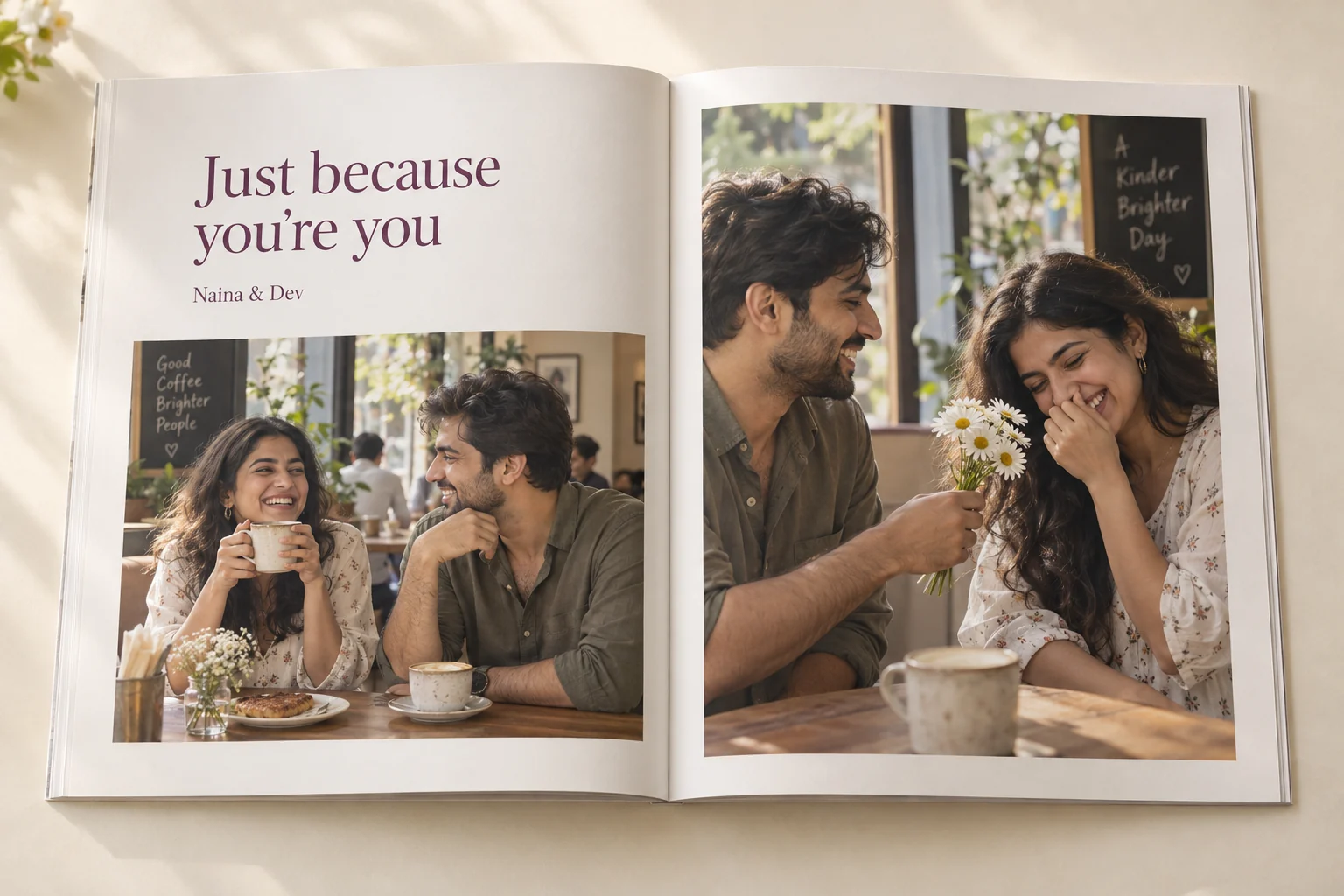 Custom photo booksCustom Photo Book OnlineDesigned for you, professionally printed and ordered on WhatsApp.Explore the guide →Anniversary giftsAnniversary Photo BookTurn the years you have shared into a printed anniversary keepsake.Explore the guide →
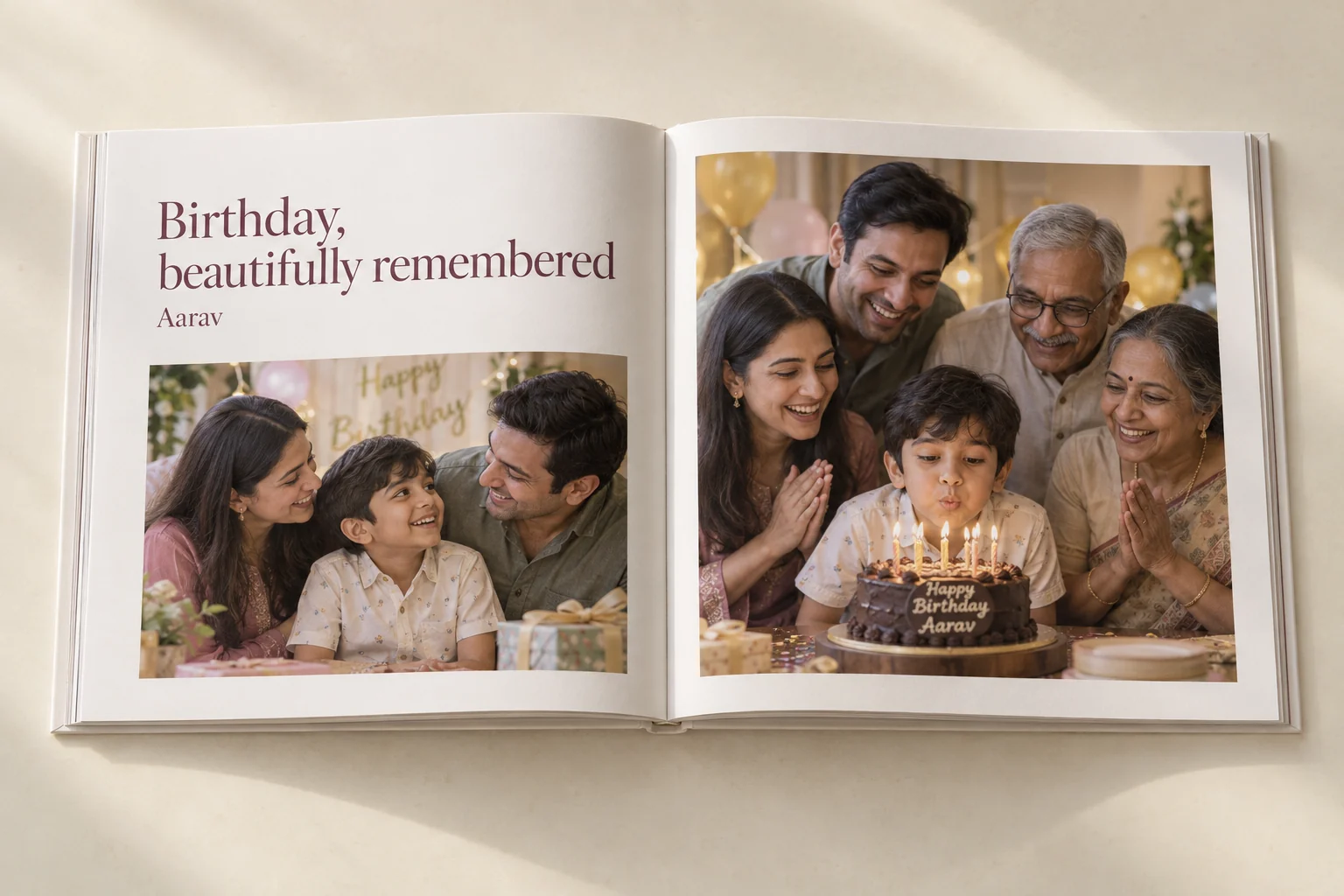 Birthday giftsBirthday Memory BookA personalized birthday photo book with messages from their favourite people.Explore the guide →
Turn your photos into a book worth keeping.
Share your photographs and a few lines. The studio will design the pages, you approve them, and it is professionally printed. Books start at ₹1,199.