
Home / Gift guides / How to Make a Photo Book Online in India
Photo Book TipsHow to Make a Photo Book Online in India: A Step by Step Guide
Want to turn your photos into a printed book? This step by step guide explains how to make a photo book online in India, from choosing photos to ordering and delivery.
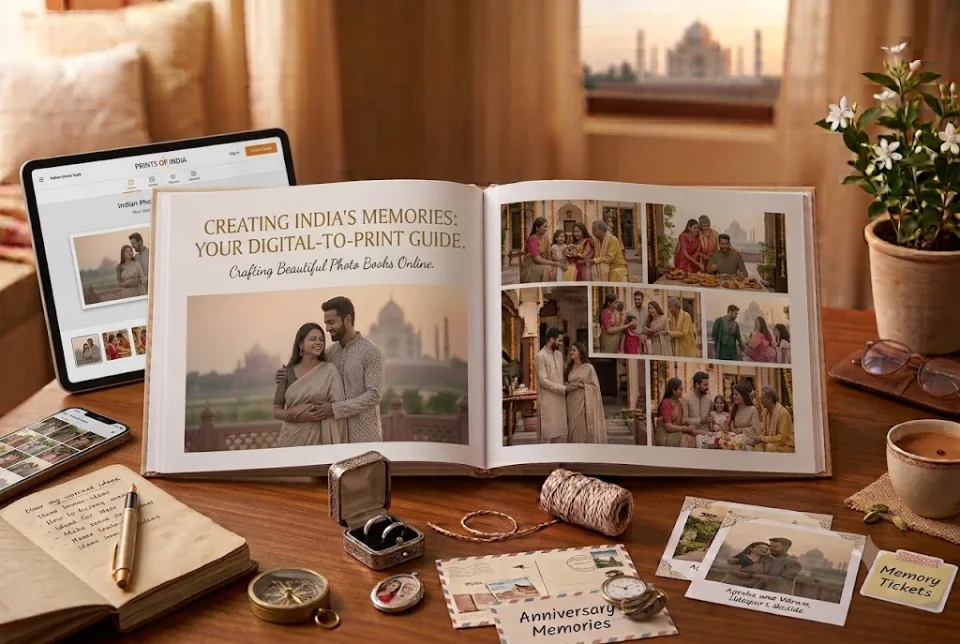
A book turns scattered phone pictures into a story you can hold. If you have never made one, the process is simpler than it looks. This guide explains how to make a photo book online in India in six steps, with tips on photos, captions, pages and pricing, so your first book looks professional.
Step 1: Decide what your photo book is about
Every good printed book online starts with a single idea. Choose a theme such as a year together, a trip, a birthday or a family history. A clear theme tells you which photos belong and which do not.
Write the idea in one sentence, for example: our first five years, from the cafe to the new flat. Every photo should earn its place against that sentence.
Step 2: Choose your photographs
Gather everything first, then cut. For a 12 page photo book online, aim for 20 to 30 photographs. For a 20 page book, choose 30 to 40. Pick sharp, well lit images, and include a few candid moments, not only posed ones.
Our guide on how to choose photos for a memory book explains how to balance close ups, wide shots and details.
Step 3: Pick the number of pages
Page count depends on the story. A short, sweet book works at 12 or 16 pages. A full family or relationship history needs 20 or 24. If you are not sure, choose the lower page count and keep only the best photos. A focused book reads better than a crowded one.
- 12 pages: a short story, a birthday or a weekend trip.
- 12 to 16 pages: a year together or a short holiday.
- 20 to 24 pages: a long relationship, family history or wedding.
Step 4: Write short captions
Captions turn a photo into a story. Write the place, the year and one detail, such as what was said or what went wrong. Keep each caption to a line or two. If you need ideas, read our 50 photo book caption ideas and what to write in a memory book.
Step 5: Share your photos and approve the design
With Ragnar Studio's you share the photos and notes on WhatsApp or through the order form. The studio lays them out in editorial pages and sends a design for approval. Check names, dates and spelling carefully before you confirm. Changes are easier before printing than after. Our photo book paper and binding guide explains the options.
Step 6: Order, print and delivery
Once you approve the design, the book is professionally printed and delivered across India. Order a week or more before any birthday or anniversary. For delivery and refund details, read our shipping policy and refund policy.
How much does a photo book online cost in India?
Prices depend on pages and finish. Photo book prices start at ₹799 / $19 for 8 pages and rise by ₹400 for every four extra pages, up to ₹4,799 / $109 for 48 pages (12 pages ₹1,199, 16 pages ₹1,599, 20 pages ₹1,999). The price covers design, printing and binding. You can see all options on our custom photo book online page.
Ideas for different occasions
- Birthdays: see birthday memory book.
- Anniversaries: see anniversary photo book.
- Weddings: see wedding photo book.
- Trips: see travel photo book.
- Friends and farewells: see friendship memory book.
Common mistakes when ordering online
- Using blurry or screenshot images.
- Cramming too many photos into too few pages.
- Skipping captions, so the story is unclear.
- Ordering too late for a gift date.
- Not checking names and dates before approval.
File size and photo quality tips for printing
Printed photos need more resolution than screens. Use original files from your phone or camera, not images shared through chat apps, which are compressed. Photos taken in daylight usually print best. If you must use an older photo, scan it at a high resolution and avoid enlarging it across a full page.
Layout tips: how many photos per page
One strong photo on a page can feel dramatic, while three or four photos create energy. Mix both through the book. Use full page photos for your best images, collages for smaller moments and text pages for opening and closing notes. Leave white space; it makes the layout feel calm and premium.
How long do design and delivery take?
Design and approval usually take a few days, depending on how quickly you share photos and review the proof. Printing and delivery follow. For a gift, order at least a week early and read our shipping policy for delivery details.
Gift ideas built around your photos
A photo book is a gift that fits almost any occasion. See our birthday gift for girlfriend, gift for mother and gift guides pages for ideas.
Choosing the right format for your story
Before you upload anything, think about the kind of book you want. A story book follows a timeline and uses captions, so it suits couples, families and friendships. A showcase book uses large photographs with minimal text, which works well for travel and events. A memory and message book mixes photos with notes from friends and relatives, which is ideal for birthdays, farewells and weddings. Knowing the type helps you decide how many photos you need, how much text to write and how to lay out the pages.
How to plan the story
A photo book is a story, and every story needs a beginning, a middle and an end. Open with a page that sets the scene: a title, a date and a short note. The middle holds the main moments, grouped in a logical order. The ending should leave the reader with a feeling, such as a letter, a promise or a final photograph that sums up the book. If you are not sure how to structure your pages, write a one line summary for each spread before you choose photos. This keeps the book focused and makes the design process faster.
How to gather photos from different sources
- Check your phone gallery and sort by date or by event.
- Download photos that were shared in group chats at the original quality, where possible.
- Ask relatives and friends for photos they took, especially of you.
- Scan old printed photos at a high resolution, or photograph them in good daylight.
- Keep everything in one folder and name files in the order you want them to appear.
Mistakes that spoil a good story
- Using photos that are blurry, dark or heavily compressed.
- Including too many near identical shots.
- Skipping captions, so that readers do not know who or where.
- Choosing too many pages for too few strong photos.
- Forgetting to proofread names and dates.
- Leaving the order late and rushing the approval.
Gift ideas for common occasions
A photo book can be tailored to almost any occasion. For a birthday, collect photos from the year and messages from friends. See our birthday memory book guide. For an anniversary, trace the relationship from the first meeting. See anniversary photo book. For parents, gather family history and old photos. See gift for parents. For a farewell, collect messages from the team. See farewell gift.
What a professional designer adds
Many online tools let you drag and drop photos into a template. A professionally designed printed book goes further. A designer chooses the layout for each spread, balances photos of different shapes and sizes, adjusts spacing and ensures that text is readable. The result feels like a magazine rather than a scrapbook. For gifts and keepsakes, that difference matters, because the book will be handled and displayed for years.
A short checklist before you press order
- Check that every photo is sharp and at the right resolution.
- Read every caption aloud.
- Confirm names, dates and places.
- Check the page count and the order.
- Confirm the delivery address and phone number.
- Order at least a week before the gift date.
Where to start today
If you have been thinking about making a photo book, begin with a single decision: the theme. Write it on a piece of paper. Then open your phone and choose twenty photos that fit. Within an hour, you will have the core of your book. Share your photos and notes with the studio, and let the design begin. See our custom photo book online page.
What to look for in a studio
- Clear pricing for each page count, with no hidden charges.
- A design preview before printing.
- Quality printing and binding.
- Delivery across India with clear timelines.
- Clear refund and support policies.
- Responsive communication on WhatsApp or email.
Read the studio’s shipping policy and refund policy before you place an order, so you know what to expect.
Ideas to personalise it further
Add a dedication page with a short note, a table of contents with fun chapter names, or a quote that suits the theme. Include a page of facts, such as the number of trips, the favourite song and the funniest moment. Add a page for blank space, so the recipient can write their own notes. These small touches make a book feel designed for one person. See our birthday memory book page for more examples.
Frequently asked questions
Many first time makers worry about quality, timing and cost. Quality depends mostly on the photographs you provide, so use originals. Timing depends on how quickly you share photos and approve the design, so start early. Cost depends on the page count, so choose the page count that suits your story. If you are unsure, send us a message on WhatsApp and we will guide you through each step before you place an order.
Frequently asked questions
How do I make a photo book online in India?
Choose a theme, pick 20 to 40 photos, write short captions, choose 8 to 48 pages, share them with the studio, approve the design and place the order.
How many photos do I need for a photo book?
About 16 to 96 for an 8 to 48 page book.
How long does it take to make a photo book?
Design and approval take a few days, followed by printing and delivery. Order at least a week before any gift date.
What is the price of a photo book in India?
At Ragnar Studio's, books start at ₹799 / $19 for 8 pages and go up to ₹4,799 / $109 for 48 pages.
Can I make a photo book as a gift?
Yes. Share photos privately and have the book delivered to another address in India.
What resolution do I need for a photo book?
Use original photo files rather than chat app copies. Higher resolution prints better.
How many photos can I put on one page?
One to four photos per page works well. Mix full page photos with collages.
What is the best page count for a photo book?
Every Ragnar Studio's photo book is A4, and most personal stories work well at 8 to 48 pages. Choose by the number of strong photos you have.
Do I need design skills to make a photo book?
No. At Ragnar Studio's, you share photos and notes, and the studio designs the pages for approval.
Can I include messages from friends in my photo book?
Yes. Collect short notes and we will lay them out as message pages.
Ready to start? Share your photos and a few notes with us and we will lay them out. Visit our custom photo book online page.
Keep reading
More guides and services: How to Make a School or College Memory Book in India
Start your book
Tell us your story.
Build your enquiry here, then send it in WhatsApp. We’ll discuss the design, final price and delivery before you order.
- Choose a page count and occasion
- Add as much or as little story as you like
- Send photos in the same WhatsApp chat
- 1Book
- 2For
- 3Story
- 4Photos
- 5You
- 6Review
To create a book, contact us on WhatsApp or email info@ragnarstudio.com. The step-by-step form needs JavaScript.
Almost there
Your enquiry is ready to send.
Open WhatsApp, review the message and press Send. Share your selected photos in the same chat.
Keep reading.
More ideas and guides from Ragnar Studio's.
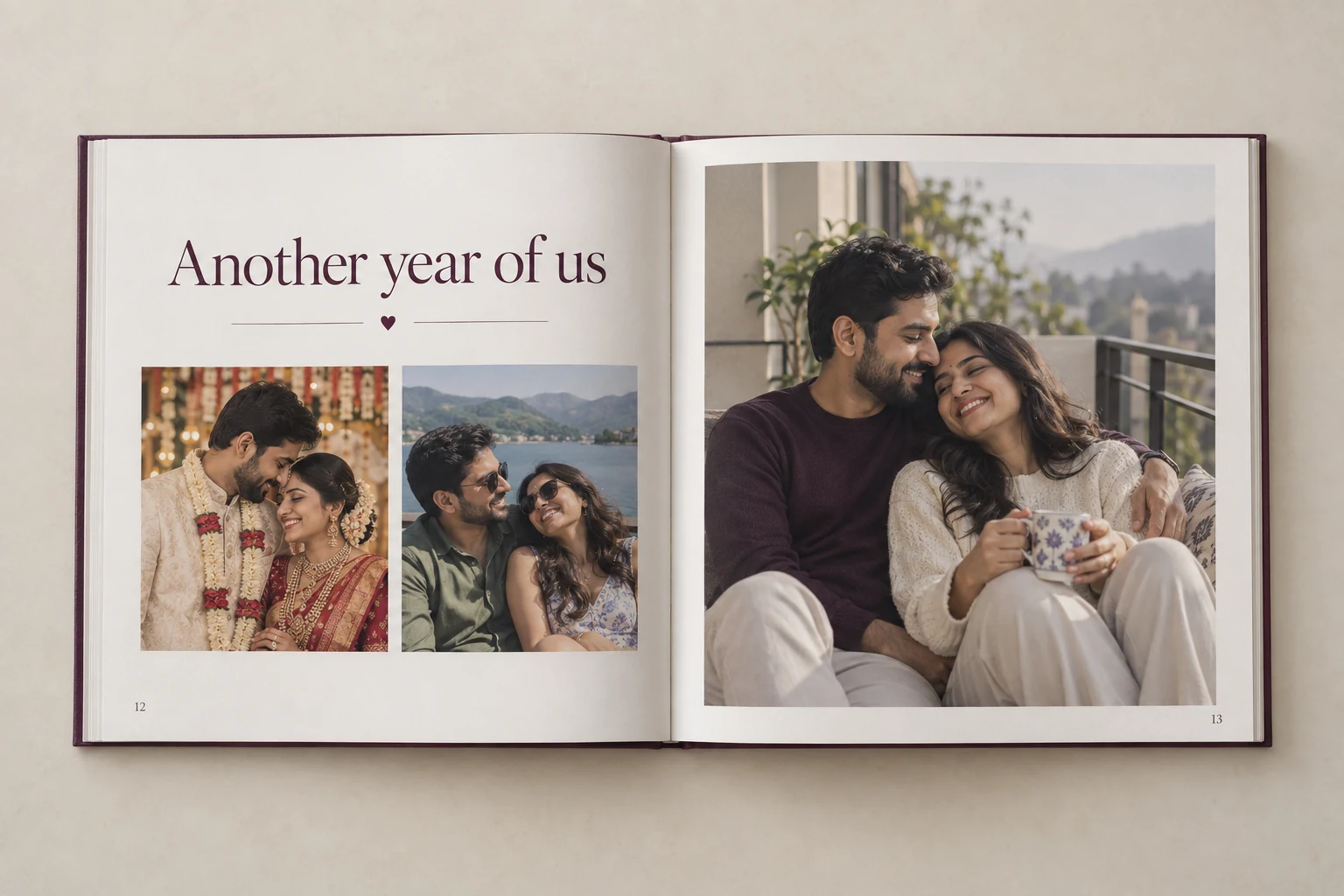 Gift Ideas · 8 min readAnniversary Gift Ideas by Year: 1st to 50th (With Personal Twists)From paper on the first anniversary to gold on the fiftieth, here are traditional anniversary themes, and ways to make each gift personal.Read the article →
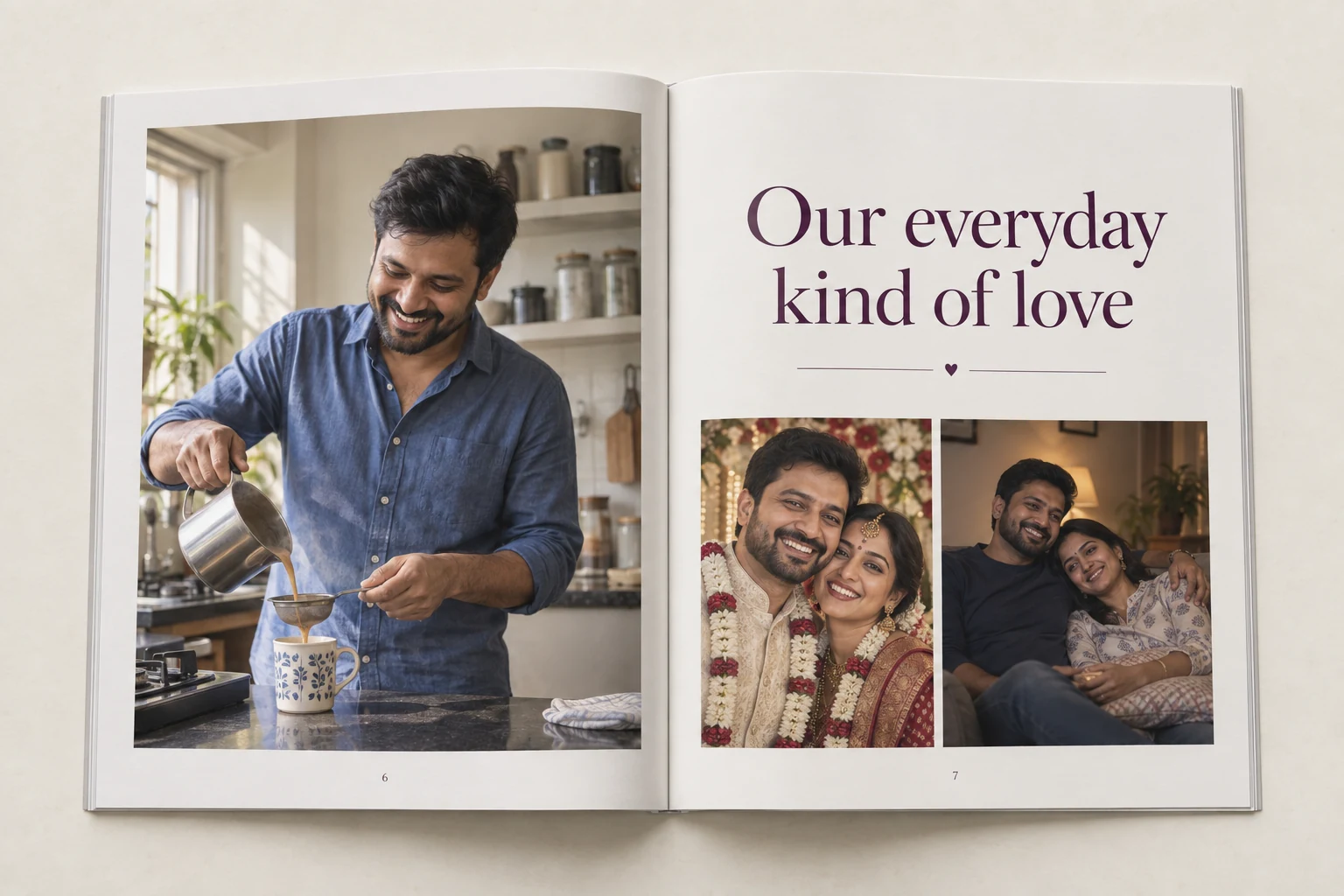 Gift Ideas · 7 min read25 Birthday Gift Ideas for Husband That Feel PersonalSkip the usual shirt and perfume. Here are 25 birthday gift ideas for your husband, sorted by personality, budget and how much planning they need.Read the article →
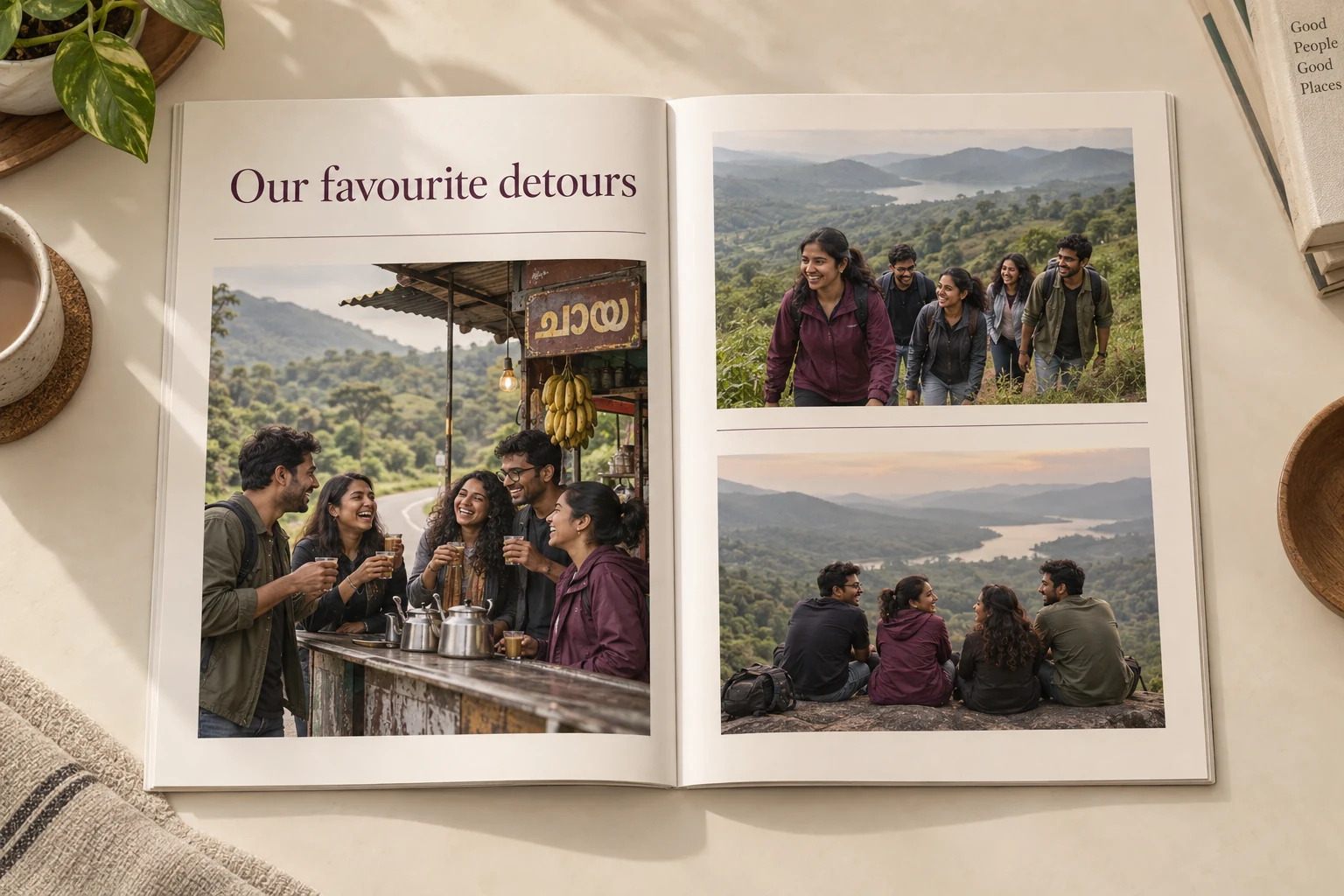 Photo Book Tips · 6 min read50 Photo Book Caption Ideas: Funny, Romantic and FamilyA good caption turns a photograph into a story. Here are 50 caption ideas for photo books, plus a simple formula for writing your own.Read the article →
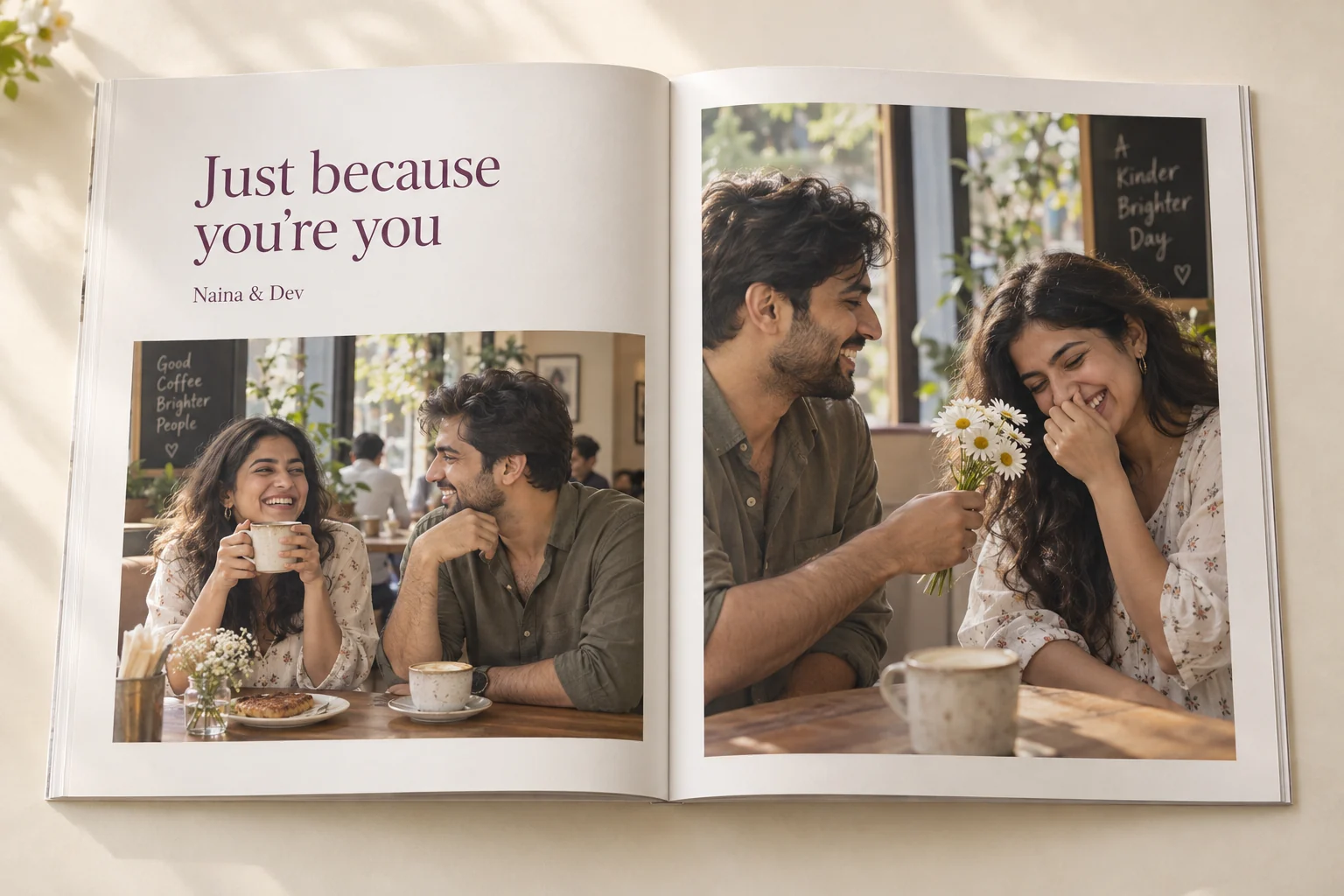 Custom photo booksCustom Photo Book OnlineDesigned for you, professionally printed and ordered on WhatsApp.Explore the guide →Anniversary giftsAnniversary Photo BookTurn the years you have shared into a printed anniversary keepsake.Explore the guide →
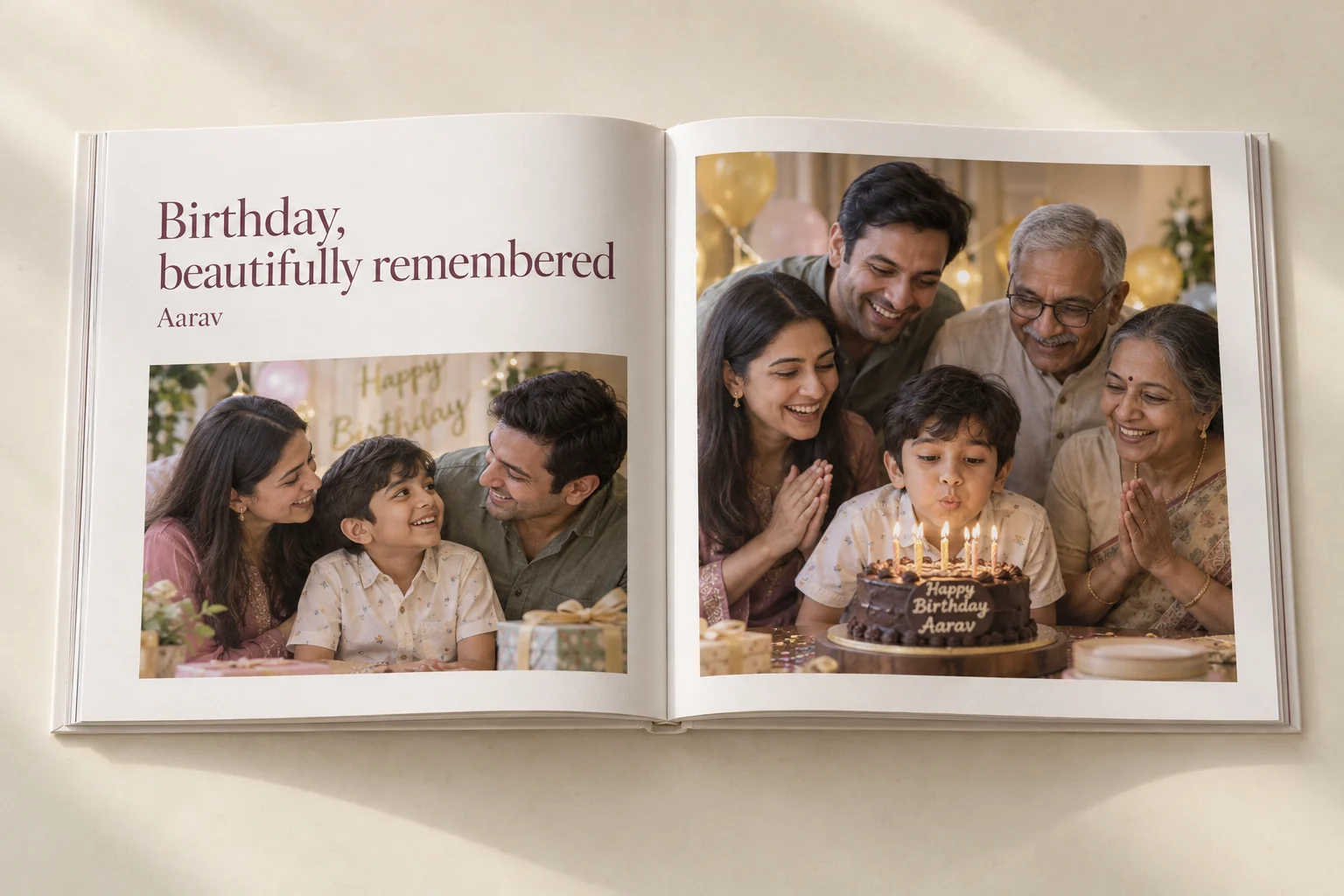 Birthday giftsBirthday Memory BookA personalized birthday photo book with messages from their favourite people.Explore the guide →
Turn your photos into a book worth keeping.
Share your photographs and a few lines. The studio will design the pages, you approve them, and it is professionally printed. Books start at ₹799 / $19.