
Home / Gift guides / Photo Book Paper Guide
Photo Book TipsPhoto Book Paper, Binding and Cover Guide: How to Choose the Right Finish
The right photo book paper depends on your pictures: matte for calm, low-glare pages, gloss for punchy colour, lustre for a balance of both. Binding and cover choices then decide how the book opens, how long it lasts and how it feels in the hand.

Most people spend hours choosing photos and about thirty seconds choosing the photo book paper. That is a pity, because paper changes how a memory feels. The same wedding portrait can look soft and timeless on matte stock, or glowing and dramatic on gloss, and it can lose its centre entirely if the spread sinks into the spine.
This guide explains the choices in plain words: finishes, paper weight in gsm, layflat and standard binding, softcover and hardcover, page count and thickness, and why colours on your phone never match the print exactly. It is general education, useful whichever printer you use. For the wider planning side, read our notes on photo book layout and design tips and how many photos fit in a photo book.
If you would rather not decide alone, Ragnar Studio's designs the pages from photos you send on WhatsApp, you approve them, and then the book is professionally printed. Photo books start from ₹799 / $19. For paper, binding and cover options on your specific book, ask the studio on WhatsApp.
What photo book paper really means
When people say photo book paper, they usually mix up three separate things: the finish (how the surface looks and reflects light), the weight (how thick and stiff the sheet is, measured in gsm) and the process (whether images are printed with ink or toner on paper, or exposed onto real photographic paper). Each printer mixes these differently and uses its own names, so a word like "premium" tells you almost nothing.
That is why comparing two quotes by price alone is risky. Always ask what finish, what gsm and which binding are included. Sizes and names vary a lot between vendors, so treat every number in this guide as a typical range, not a standard.
Think of the choice as four layers: paper finish, paper weight, binding, cover. Fix them in that order. The finish decides the look of every page; binding decides how those pages open; the cover decides first impressions and durability.
Matte vs gloss vs lustre vs uncoated photo book paper
These are the four finishes you will meet most often. The table gives the short version, and the notes below add the detail.
| Finish | Look and feel | Best for | Watch out for |
|---|---|---|---|
| Matte | No shine, soft contrast, colours slightly calmer | Portraits, black and white, weddings, pages with captions | Deep blacks can look a little flatter |
| Gloss | Shiny, high saturation and contrast | Travel, landscapes, food, festive and colourful photos | Glare under bright light, fingerprints |
| Lustre or satin | Light sheen between matte and gloss | Mixed albums, family books, most everyday choices | Names differ between vendors, check the sample |
| Uncoated or textured | Natural paper feel, visible grain | Artistic, vintage or scrapbook-style books | Lower colour punch, softer detail |
Matte is the safe choice for pages with a lot of text, handwritten notes and quiet family portraits. It does not reflect lamps or windows, so grandparents reading under a tube light will not squint. Printers often recommend it for black and white work because it keeps tones gentle.
Gloss pushes colour. A Rajasthan trip with turquoise skies and orange sunsets will look vivid. The cost is glare and fingerprints, so a gloss finish suits books that will be admired, not handled daily.
Lustre (sometimes sold as satin or semi-gloss) is the middle path: richer colour than matte, far less glare than gloss. If you cannot decide, lustre photo book paper is the usual compromise.
Uncoated or textured stock feels like a good notebook. It looks lovely for sketches, scrapbook layouts and nostalgic themes, but photographs sit softer on it. See the difference in our comparison of a photo book, photo album and scrapbook.
Photo book paper weight: what gsm tells you
GSM means grams per square metre. Higher numbers mean thicker, stiffer sheets. Photo book providers commonly list weights from roughly 150 gsm up to 300 gsm or more, and heavier sheets resist curling and show less of the next page through the back. Heavy sheets also add thickness and weight, and they usually cost more.
- Around 130 to 170 gsm: light and flexible, comfortable for thick books of many pages.
- Around 190 to 250 gsm: a sturdy, premium feel, common for lustre and layflat pages.
- 300 gsm and above: very rigid, gallery-like pages, usually for books with fewer pages.
Do not judge by gsm alone. A 170 gsm coated sheet can feel better than a 200 gsm cheap sheet, because coating, stiffness and the print process matter too. Another myth: thicker is always better. For a 100-page travel book, extra-heavy paper makes the book bulky and hard to hold. For a 20-page baby milestone book, it feels wonderfully solid.
Quick test when you receive a sample: hold a page up to a light. If the text on the next page shines through clearly, the sheet is thin for your purpose.
Layflat vs standard binding
Binding is how the pages are joined to the spine. With standard binding, the pages curve into the spine, so a photo that crosses the middle of a spread loses a strip into the gutter. With layflat binding, the book opens completely flat and a panoramic image runs across both pages without a break.
| Point | Standard binding | Layflat binding |
|---|---|---|
| Opening | Pages curve toward the spine | Opens flat, spreads look continuous |
| Panoramas across two pages | Part of the image sinks into the gutter | Works beautifully |
| Cost | Usually lower | Usually higher |
| Pages | Normal paper, more flexible with page count | Often thicker pages, sometimes a limit on page count |
Layflat can be hinged or hingeless, so ask which type a printer means. It earns its extra cost for wedding albums, honeymoon books, landscapes and any design with full-spread photos. For a book of mostly single-page portraits, standard binding is perfectly fine and keeps the budget friendly.
Plan around the gutter either way. Keep faces and key text at least a little away from the centre fold on standard binding. Our guide to bleed, CMYK and resolution for print files explains safe margins in more depth.
Not sure which finish suits your photos? Share them on WhatsApp and the studio designs the pages, then you approve before printing. For paper and binding options, just ask. See personalised photo books.
Softcover vs hardcover photo books
The cover is the part everyone touches first. The main options are:
- Softcover: light, flexible and economical. Good for travel books, school memories, event books and gifts you want to send easily. It can bend or crease with rough handling.
- Hardcover (case bound): a rigid board cover wrapped in printed paper, cloth, leatherette or linen. It protects the pages best and looks like a keepsake on a shelf.
- Image wrap or cloth with a window: the photo covers the whole front, or a small cutout shows a picture on plain fabric. Image wraps are bright and personal; cloth is understated and elegant.
Cover finish is a separate choice. A laminated cover resists scratches and wipes clean, but may show fingerprints. A matt cover looks refined and calm. Cloth hides wear well but does not show a photo in full detail.
Think about who will hold the book. A hardcover suits a 25th anniversary gift or a wedding book that will be passed down. A softcover is perfect when you want several copies for friends after a trip. Browse ideas on our anniversary photo book and wedding photo book pages, where cover style matters most.
Page count, thickness and how they connect to paper
Page count and paper weight together decide the thickness of the spine. A hundred-page book cannot be layflat and heavy at the same time without becoming brick-like, so printers set minimum and maximum pages per binding type. Check these limits before you plan a layout.
- Fewer than 20 pages: a slim book, better in heavier paper so it feels substantial.
- 20 to 60 pages: the sweet spot for most family, baby and trip books in any finish.
- 60 pages and above: choose lighter paper and consider standard binding, or split the story into two volumes.
Pages come in even numbers because each sheet has two sides, and some printers add extra blank leaves at the start and end. Plan the first page as an opening statement and the last as a closing note, not as leftover space.
If you are unsure how many pictures to include, start from our guide on how many photos to put in a photo book, then choose the paper that suits that count. A baby book with 30 spreads is a good example, see baby first year photo books.
Colour accuracy: why print never matches your phone
Your phone screen glows. It makes colour by adding light (RGB), and it can show very vivid blues, greens and reds. A printed page reflects light and makes colour with inks (CMYK), which cannot reproduce some of those saturated screen colours. Some bright RGB colours simply sit outside what ink can print, so they are shifted to the nearest printable match.
That is why your neon-bright festival photo may look a little calmer in the book. Paper also changes the result: gloss and lustre usually hold more colour punch, while matte and uncoated stock look softer. Screen brightness matters too. A phone on maximum brightness will always look more dramatic than a page in a lamp-lit room.
What you can do:
- Turn your screen brightness to a normal level before judging colours.
- Do not over-saturate photos to compensate; the printer or designer will convert them.
- Ask for a printed sample or proof for important books, such as a wedding album.
- Check resolution. Printers often aim for about 300 pixels per inch at the print size, with around 150 as a floor, and enlarging a small image does not add detail.
WhatsApp compresses photos, so ask friends and family to send originals as "document" files when you can, so more detail reaches the page. For a complete walkthrough of file basics, see print file preparation.
How to choose photo book paper for your photo style
Match the paper to what is on the pages, not to what sounds most expensive. Use this table as a starting point.
| Your photos | Suggested photo book paper | Binding idea |
|---|---|---|
| Wedding portraits and ceremony details | Matte or lustre, medium to heavy weight | Layflat, hardcover |
| Travel and landscapes | Gloss or lustre | Layflat for panoramas |
| Baby and family milestones | Lustre, sturdy pages | Hardcover, thick pages that toddlers cannot tear easily |
| Black and white or old scanned photos | Matte or uncoated | Standard or layflat |
| Festival and colourful events | Gloss or lustre | Softcover is fine |
| Text heavy memory books with notes | Matte | Hardcover or softcover |
Old family prints deserve extra care. Scans from faded photographs often have a warm, soft tone that matte paper complements. For a gift to parents or grandparents, pick the least glare you can and a cover that wipes clean. For ideas on picking the photos themselves, read how to choose photos for a memory book.
Common mistakes and a checklist before you order
These are the mistakes that spoil an otherwise good photo book.
- Choosing gloss for a book full of text, then struggling to read it under a lamp.
- Putting a face across the gutter on a standard binding.
- Picking very thick paper for a book with too many pages.
- Judging colour on a phone at full brightness.
- Ignoring the cover. It is touched more than any inside page.
- Comparing only price, without checking gsm, finish and binding.
Before you order, tick off:
- Who will hold this book, and how often?
- Which finish suits most of my photos?
- Do I have full-spread photos that need layflat?
- Is the page count within the binding limit?
- Have I checked resolution and kept key faces away from the centre fold?
- Have I seen the pages or a sample before approving?
That approval step is the one safety net you control. Read every page slowly before saying yes, and compare it to your list of captions from our photo book caption ideas.
What to ask your printer or studio
Whichever service you use, send a short list of questions. Good ones: Which paper finishes are offered? What is the gsm? Is binding layflat or standard, and is it hinged or hingeless? What is the page range? Which cover types are available, and can I see a sample? How are colours handled when my photos are converted for print?
With Ragnar Studio's, you share your photos on WhatsApp, the studio designs the pages, you approve them, and then it is professionally printed. Photo books start from ₹799, and English and Hindi are both supported. For which photo book paper, binding and cover options apply to your book, ask on WhatsApp at +91 92865 18510 or write to info@ragnarstudio.com.
If the book is a gift, tell the studio about the person and the occasion too. A calm matte book for a grandmother and a glossy festive book for a college friend are very different projects. Explore gift guides and the personalised photo books hub for occasions and ideas.
Frequently asked questions
What is the best photo book paper?
There is no single best photo book paper. Matte suits portraits, text and black and white, gloss suits vivid travel and festival photos, and lustre is the balanced choice for mixed family albums. Pick by your photos and how the book will be handled.
Is matte or glossy better for a photo book?
Matte is better when you want low glare, calm tones and easy reading of captions. Glossy is better when you want maximum colour punch and do not mind fingerprints. Lustre sits between the two and is a safe default.
What gsm is good for photo book paper?
Photo book providers commonly use weights from about 150 gsm to 300 gsm or more. Around 170 to 250 gsm feels sturdy for most books. Heavier suits books with few pages, lighter suits books with many pages.
Is layflat binding worth the extra cost?
It is worth it if your design has photos spreading across two pages, such as weddings, honeymoons and landscapes. If your book is mostly single-page portraits, standard binding looks fine and costs less.
Should I choose a softcover or a hardcover photo book?
Choose hardcover for keepsakes, anniversaries and wedding books that will last for decades. Choose softcover for lighter, cheaper copies, such as trip books for friends. Cover material and finish also change durability.
Why do my photos look different in print than on screen?
Screens emit light and can show very saturated colours, while printed pages reflect light and uses inks that cannot match every bright screen colour. Paper finish, screen brightness and file resolution also change the result.
How many pages can a photo book have?
It depends on the binding and paper weight, and every printer sets its own limits. Layflat and thick paper usually allow fewer pages. Check the range before you plan, and ask the studio on WhatsApp.
What paper and binding does Ragnar Studio's use for its photo books?
Ragnar Studio's photo books start from ₹799, and the studio designs pages from photos you send on WhatsApp before professional printing. For the exact photo book paper, binding and cover options for your book, ask the studio on WhatsApp.
Choosing photo book paper becomes easy once you know your photos, your reader and how the book will be used. Pick the finish first, then weight, binding and cover, and approve a proof before printing. When you are ready, send your photos to Ragnar Studio's on WhatsApp and see our personalised photo books.
Start your book
Tell us your story.
Build your enquiry here, then send it in WhatsApp. We’ll discuss the design, final price and delivery before you order.
- Choose a page count and occasion
- Add as much or as little story as you like
- Send photos in the same WhatsApp chat
- 1Book
- 2For
- 3Story
- 4Photos
- 5You
- 6Review
To create a book, contact us on WhatsApp or email info@ragnarstudio.com. The step-by-step form needs JavaScript.
Almost there
Your enquiry is ready to send.
Open WhatsApp, review the message and press Send. Share your selected photos in the same chat.
Keep reading.
More ideas and guides from Ragnar Studio's.
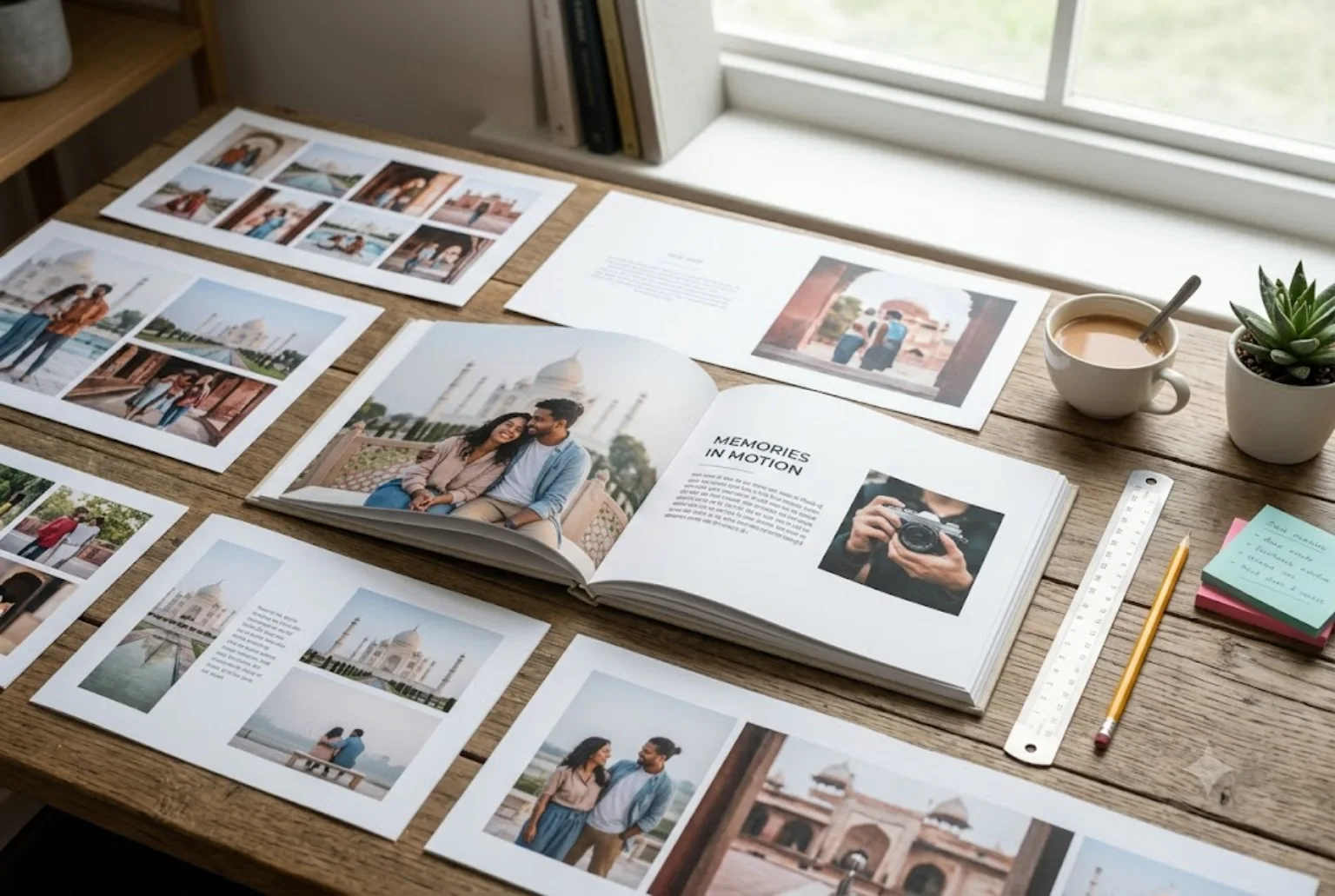 Photo book guidePhoto Book Layout Ideas: Design Tips for a Book People Actually FinishPage layouts, spacing and spread ideas that make a photo book look designed rather than simply filled with pictures.Read the guide →
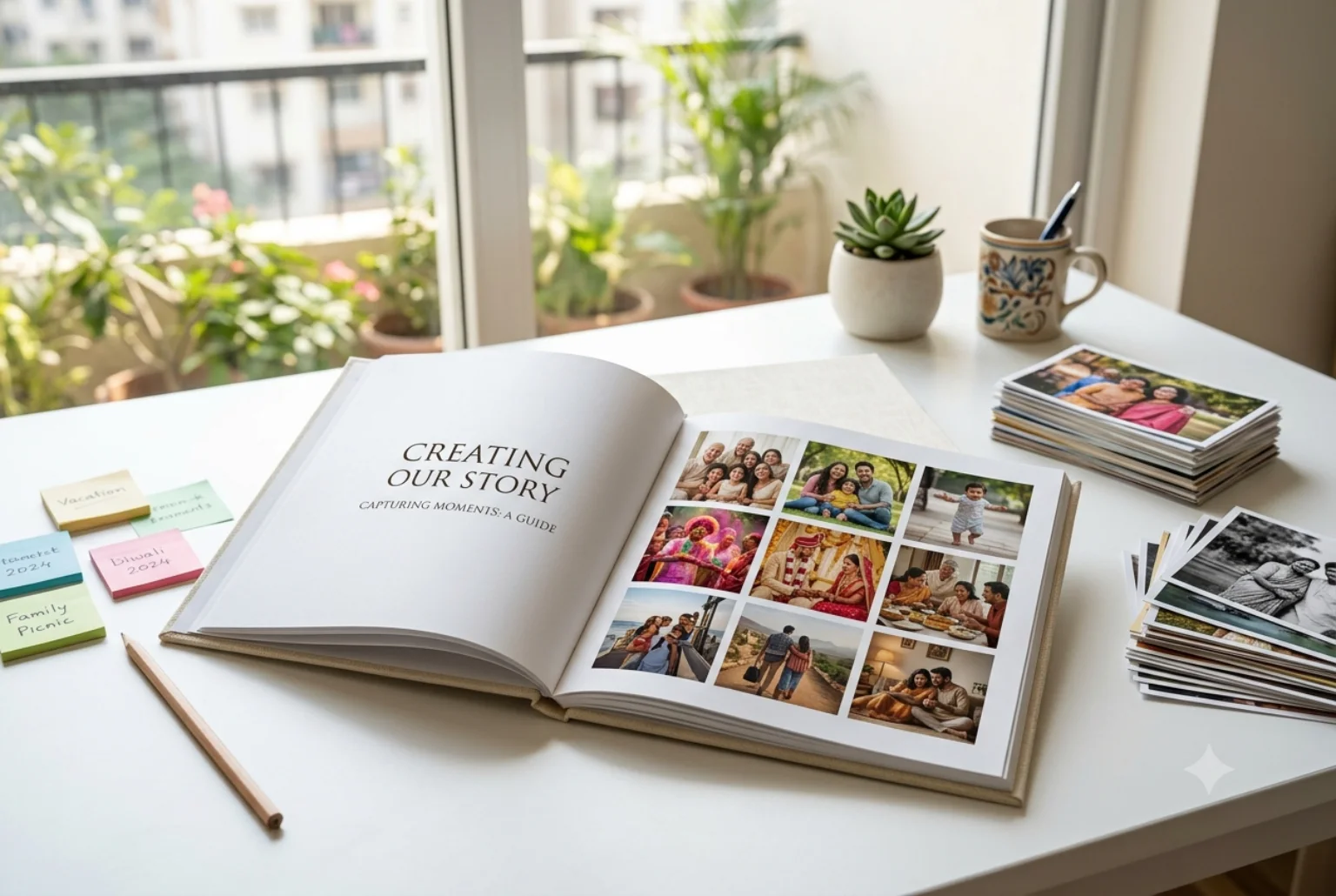 Photo book guideHow Many Photos in a Photo Book? A Page-by-Page GuideFind the right number of photos and pages for your story so the book feels full but never crowded.Read the guide →
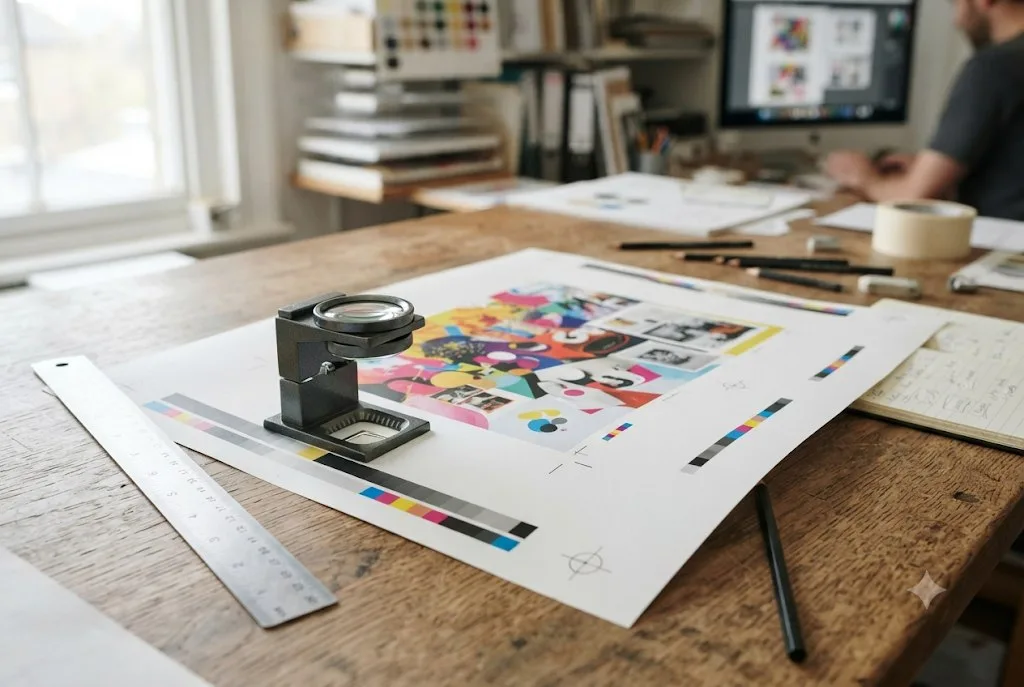 Photo book guidePrint File Preparation Guide: Bleed, CMYK and ResolutionUnderstand bleed, CMYK and resolution so your photos and covers print sharply and safely inside the margins.Read the guide →
Turn your photos into a book worth keeping.
Share your photographs and a few lines. The studio will design the pages, you approve them, and it is professionally printed. Books start at ₹799 / $19.