
Home / Blog / How to Choose Photos for a Memory Book
Photo Book TipsHow to Choose Photos for a Memory Book: 12 Tips That Work
You have thousands of photos and room for a few dozen. Here is how to pick the ones that make a memory book feel personal, balanced and beautiful in print.
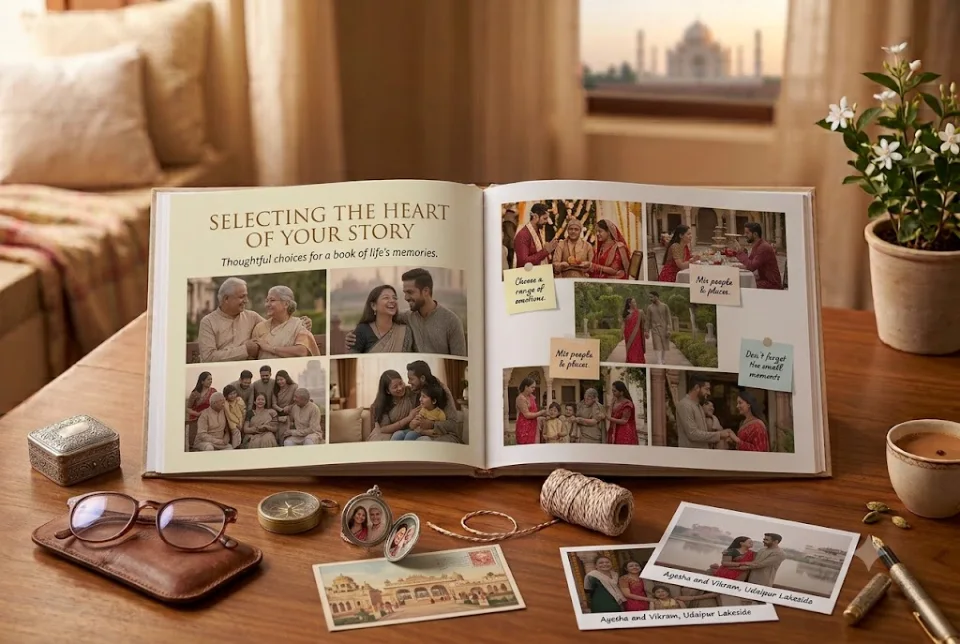
A memory book is only as good as the photographs inside it. The challenge is rarely a shortage of pictures. It is choosing from thousands of them. This guide walks through a simple process for selecting photos for a personalized photo book, from first shortlist to final check.
Start with the story, not the photos
Before you open your gallery, decide what the book is about. A birthday book might follow a year. An anniversary book might follow the relationship from the first meeting. A friendship book might be organised by trips. When you know the story, deciding what to leave out becomes easier.
Write the story in one sentence, for example: “Our first five years, from the café to the new flat.” Every photo should earn its place against that sentence.
Decide how many photos you need
Page count drives photo count. A 12-page book comfortably holds around 15 to 30 photographs depending on layout, while a 20-page book can hold more. Ragnar Studios books come in 12, 14, 16, 18 and 20 pages, and the studio will advise how many photos fit your chosen length. Fewer, larger photographs almost always look better than crowded pages.
12 tips for choosing the right photos
- Prefer sharp originals. Use the original file from your phone or camera, not a screenshot or an image saved from a chat app, which is heavily compressed.
- Look for emotion over perfection. A slightly blurred photo of real laughter beats a perfectly posed but empty one.
- Choose faces and details. Mix close-ups of people with wide scenes and small details such as hands, food, tickets and places.
- Check the light. Daylight and warm evening light usually print better than harsh flash or very dark rooms.
- Vary the orientation. A mix of portrait and landscape photographs gives the designer room to create interesting spreads.
- Pick one hero photo per chapter. One standout image can anchor a spread while smaller photographs support it.
- Avoid near-duplicates. Choose the best of each burst and leave the rest.
- Include people who matter. Parents, friends and the “background” characters often become the most loved pages.
- Add old photographs. Scanned prints and early photos add depth. Scan them at high resolution or photograph them flat in daylight.
- Balance funny and sincere. Include the jokes, but keep a few quieter pages for the heartfelt moments.
- Think about the cover and the last page. The first and last photographs set the tone and the feeling you leave with.
- Ask others. Friends and family often hold the best photographs of you. Ask for their originals.
How to sort and shortlist quickly
Create a folder on your phone or computer and copy in anything that might belong. Then do two passes. In the first pass, remove anything blurry, duplicated or off-story. In the second pass, group the remaining photos into chapters, such as “how we met”, “trips” and “home”. Keep a note of dates and places as you go. They become captions later.
Prepare your files
Send original files wherever possible. If you are sharing photographs over WhatsApp, send them as documents or in the highest quality available so they are not compressed. Name files or add a short note so the designer knows the order and any captions you want.
What to write alongside the photos
Short captions turn a photo album into a story. Add the place, the date and one line: what was said, what was eaten, what went wrong. Our guide to photo book caption ideas has 50 examples you can adapt.
Common mistakes to avoid
- Using screenshots and low-resolution images.
- Cramming too many photographs on one page.
- Leaving out captions and dates.
- Choosing only posed photographs.
- Ordering without checking spelling of names and dates.
A quick photo quality checklist
- Sharp, not blurry.
- Well lit, not too dark or overexposed.
- High resolution, not a screenshot.
- Faces visible and expressions natural.
- Composition with space for captions.
Simple editing and cropping tips
You do not need advanced editing. Straighten tilted photos, crop distracting edges and adjust brightness only if needed. Avoid heavy filters, because they date a book quickly. Keep a consistent look across the pages so the book feels calm and cohesive.
Organise your photos before you start
- Create a folder for the book.
- Copy the best candidate photos into it.
- Sort them by date or event.
- Mark favourites with a star.
- Remove duplicates and weak shots.
Choosing photos for different occasions
For a birthday, include recent and childhood photos. For an anniversary, follow your relationship in order. For a trip, pick a mix of landmarks, people and small details. See our birthday memory book, anniversary photo book and travel photo book guides.
Mistakes to avoid when choosing photos
- Using too many similar photos.
- Ignoring candid moments.
- Forgetting group photos.
- Choosing photos only because they are sharp.
- Not checking the resolution.
How to choose photos for a wedding photo book
Wedding days produce hundreds of images. To choose, start with the key moments: arrival, rituals, family portraits, the couple’s portraits and the farewell. Then add candid shots: laughter, tears, dancing, children running around. Keep photos that show relationships, such as grandparents with grandchildren. Remove near duplicates and those where eyes are closed or faces are hidden. Aim for a balance of wide scenes, close ups and details such as flowers, jewellery and food. See our wedding photo book page.
How to choose photos for a travel photo book
Travel photos tend to be repetitive. Select a mix: landscapes to show place, people to show emotion, and small details such as signs, food and tickets to show texture. Arrange them in order, so the book follows the journey. Include at least one photo of each stage: departure, arrival, daily life and farewell. See our travel photo book and honeymoon photo book guides.
How to choose photos for a baby or family photo book
For babies and families, choose photos that show growth and relationships. For a baby, include milestones such as the first smile, the first bath and the first birthday. For a family, include photos of grandparents, cousins and festivals. Choose a few photos of everyday routines, because these often become treasured later. See our baby first year photo book guide.
How to choose photos for a gift for parents or friends
For parents, include old and new photographs and add a few of you as a child with them. For friends, include group photos, trips and funny moments. In both cases, ask relatives and friends for photos you may not have. See our gift for parents and friendship memory book pages.
Tools and tips for sorting your photos
- Use your phone’s favourites feature to mark the best candidates.
- Create folders by event or year before choosing.
- Use a simple spreadsheet with file name, date, place and caption.
- Ask a friend to help you choose; a fresh eye often spots the best shots.
- Review the final selection on a larger screen to check sharpness.
How many photos per page is ideal
One large photo per page gives impact. Two to four photos per page create variety. Collages of six or more should be used sparingly. A balanced book mixes full page photos, small groups and a few text pages. If you are unsure, start with fewer photos per page, and add more only if the story needs it. White space is not a waste; it gives the eye a place to rest and makes the pages feel considered.
A simple 12 tip checklist before you order
- Choose a theme and write it in one sentence.
- Gather all photos in one folder.
- Remove blurry, dark or duplicate images.
- Pick the strongest photo for the cover.
- Mix close ups, wide shots and details.
- Include people, not just places.
- Add a few candid moments.
- Check names and dates for every photo.
- Decide the page count.
- Write captions.
- Ask a friend to review the selection.
- Place the order a week early.
Why photo selection matters more than page count
A book with twelve brilliant pages beats a book with thirty average ones. The quality of the selection determines how the book feels. If you cut ruthlessly, each page gains attention and meaning. If you include everything, the best photos get lost. Treat the selection process as editing a film: keep scenes that move the story forward and let the rest go. You will be surprised how much more powerful the book becomes. See our how to make a photo book online in India guide for the full process.
When to ask for help choosing photos
If you cannot decide, ask someone who knows the story. A friend or family member can often see which photos carry the most feeling. You can also share your shortlist with the studio, and ask the designer which images will work best on a page. A second opinion saves time and improves the result.
A final word on choosing photos
Do not aim for perfection. The goal is to tell a true story, with enough variety to keep a reader interested and enough detail to feel personal. Once you have your selection, trust it. The more you tweak, the more likely you are to lose the spark that made you want to make the book in the first place.
Next steps after choosing photos
- Write short captions for each photo.
- Decide the page count and the order.
- Share the photos and notes with the studio.
- Review the design and check names and dates.
- Approve and place the order.
If you want ideas for captions, see photo book caption ideas.
Frequently asked questions
How many photos should go in a photo book?
It depends on the page count and layout. A 12-page book comfortably holds around 15 to 30 photographs. The studio advises on the best number for your chosen length.
Can I use photos from social media or WhatsApp?
Original files from your phone or camera print best. Photos saved from social media or sent as compressed images may look soft in print.
Can I use old printed photographs?
Yes. Scan them at high resolution or photograph them flat in daylight and send the clearest version you have.
How many photos should I choose for a photo book?
About 20 to 40 for a 12 to 20 page book.
Can I use screenshots in a photo book?
Only if they are high resolution. Most screenshots print poorly.
Should I edit my photos?
Light edits are fine. Avoid heavy filters.
How do I choose photos for a wedding photo book?
Choose key moments, candid emotions, relationships and a mix of wide shots, close ups and details.
How many photos per page should I use?
One to four photos per page works well. Use full page photos for your best images.
Share your favourite photographs and a few lines with Ragnar Studios. The studio designs the layout, you approve it on WhatsApp, and the book is professionally printed. Books start at ₹1,199 for 12 pages.
Start your book
Tell us your story.
Build your enquiry here, then send it in WhatsApp. We’ll discuss the design, final price and delivery before you order.
- Choose a page count and occasion
- Add as much or as little story as you like
- Send photos in the same WhatsApp chat
- 1Book
- 2For
- 3Story
- 4Photos
- 5You
- 6Review
To create a book, contact us on WhatsApp or email info@ragnarstudio.com. The step-by-step form needs JavaScript.
Almost there
Your enquiry is ready to send.
Open WhatsApp, review the message and press Send. Share your selected photos in the same chat.
How many photos should go in a photo book?
It depends on the page count and layout. A 12-page book comfortably holds around 15 to 30 photographs. The studio advises on the best number for your chosen length.
Can I use photos from social media or WhatsApp?
Original files from your phone or camera print best. Photos saved from social media or sent as compressed images may look soft in print.
Can I use old printed photographs?
Yes. Scan them at high resolution or photograph them flat in daylight and send the clearest version you have.
How many photos should I choose for a photo book?
About 20 to 40 for a 12 to 20 page book.
Can I use screenshots in a photo book?
Only if they are high resolution. Most screenshots print poorly.
Should I edit my photos?
Light edits are fine. Avoid heavy filters.
How do I choose photos for a wedding photo book?
Choose key moments, candid emotions, relationships and a mix of wide shots, close ups and details.
How many photos per page should I use?
One to four photos per page works well. Use full page photos for your best images.
Keep reading.
More ideas and guides from Ragnar Studios.
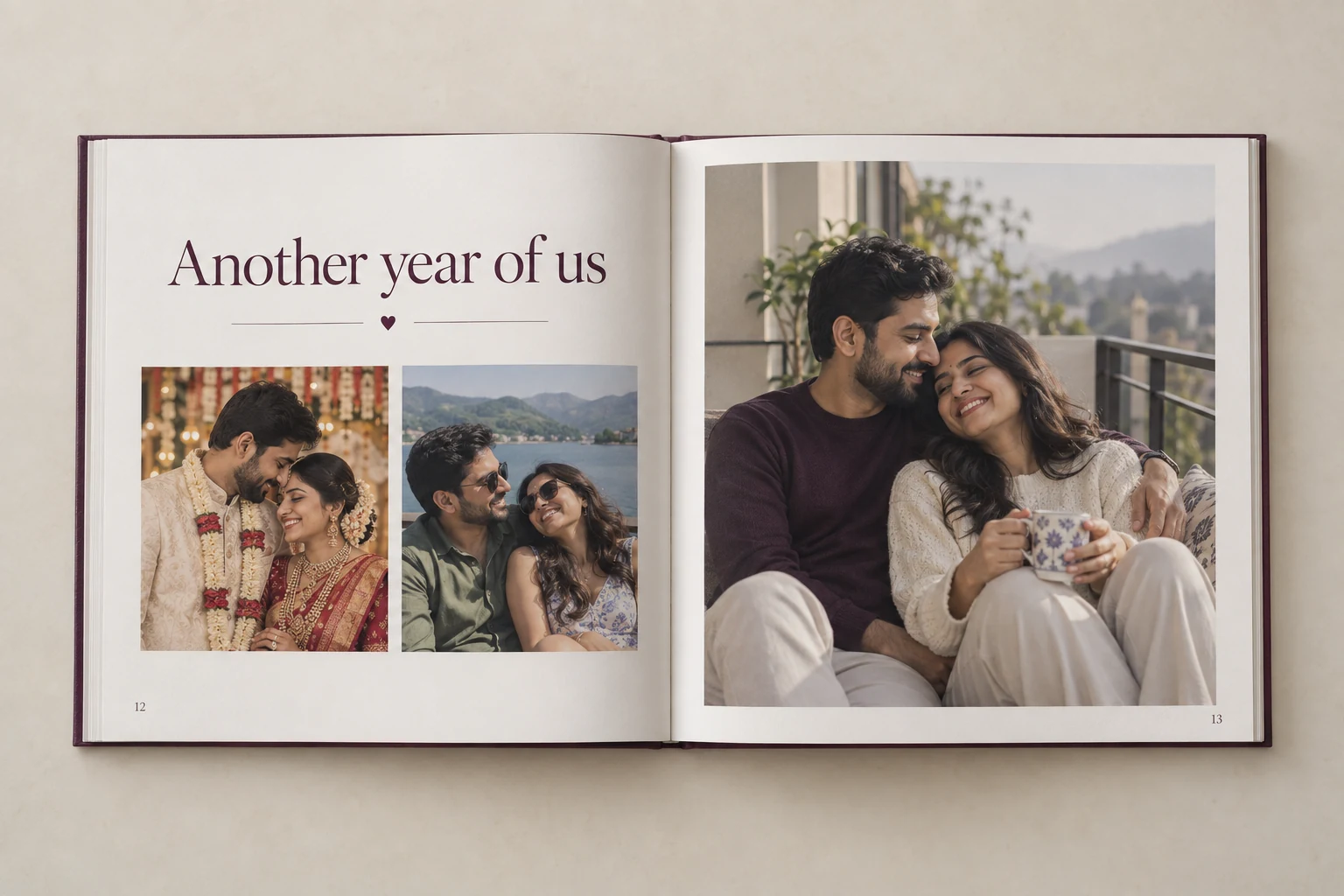 Gift Ideas · 8 min readAnniversary Gift Ideas by Year: 1st to 50th (With Personal Twists)From paper on the first anniversary to gold on the fiftieth, here are traditional anniversary themes, and ways to make each gift personal.Read the article →
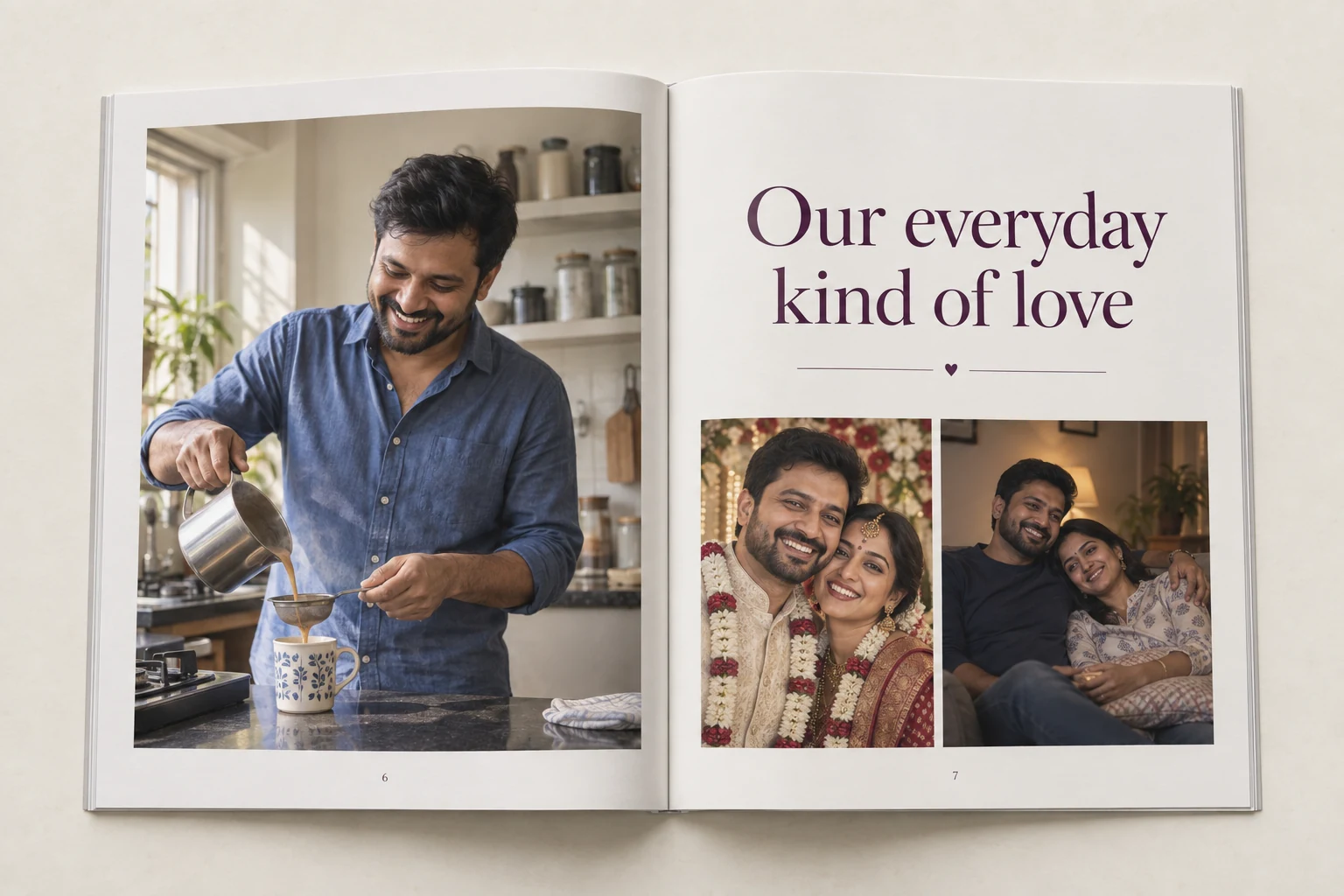 Gift Ideas · 7 min read25 Birthday Gift Ideas for Husband That Feel PersonalSkip the usual shirt and perfume. Here are 25 birthday gift ideas for your husband, sorted by personality, budget and how much planning they need.Read the article →
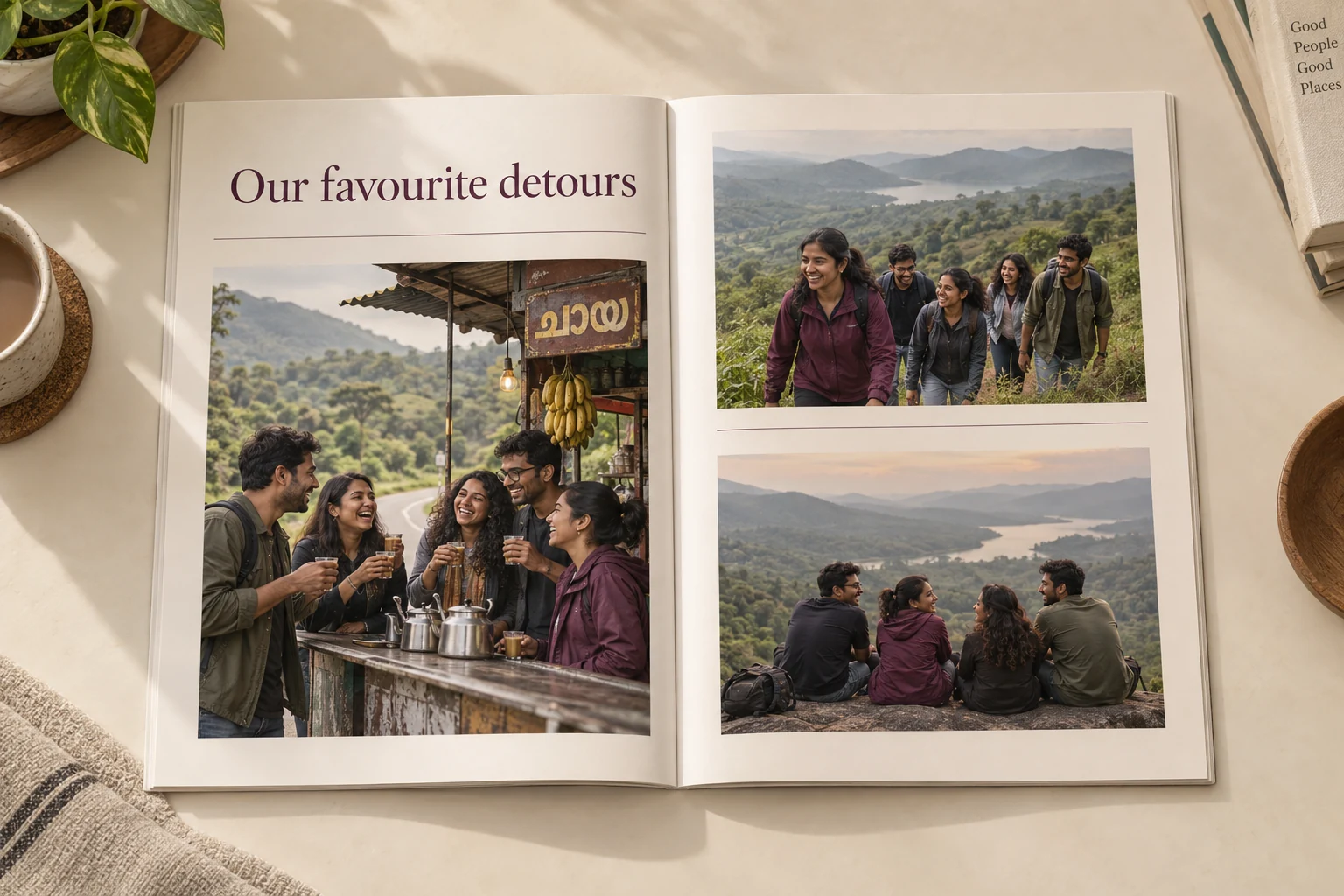 Photo Book Tips · 6 min read50 Photo Book Caption Ideas: Funny, Romantic and FamilyA good caption turns a photograph into a story. Here are 50 caption ideas for photo books, plus a simple formula for writing your own.Read the article →
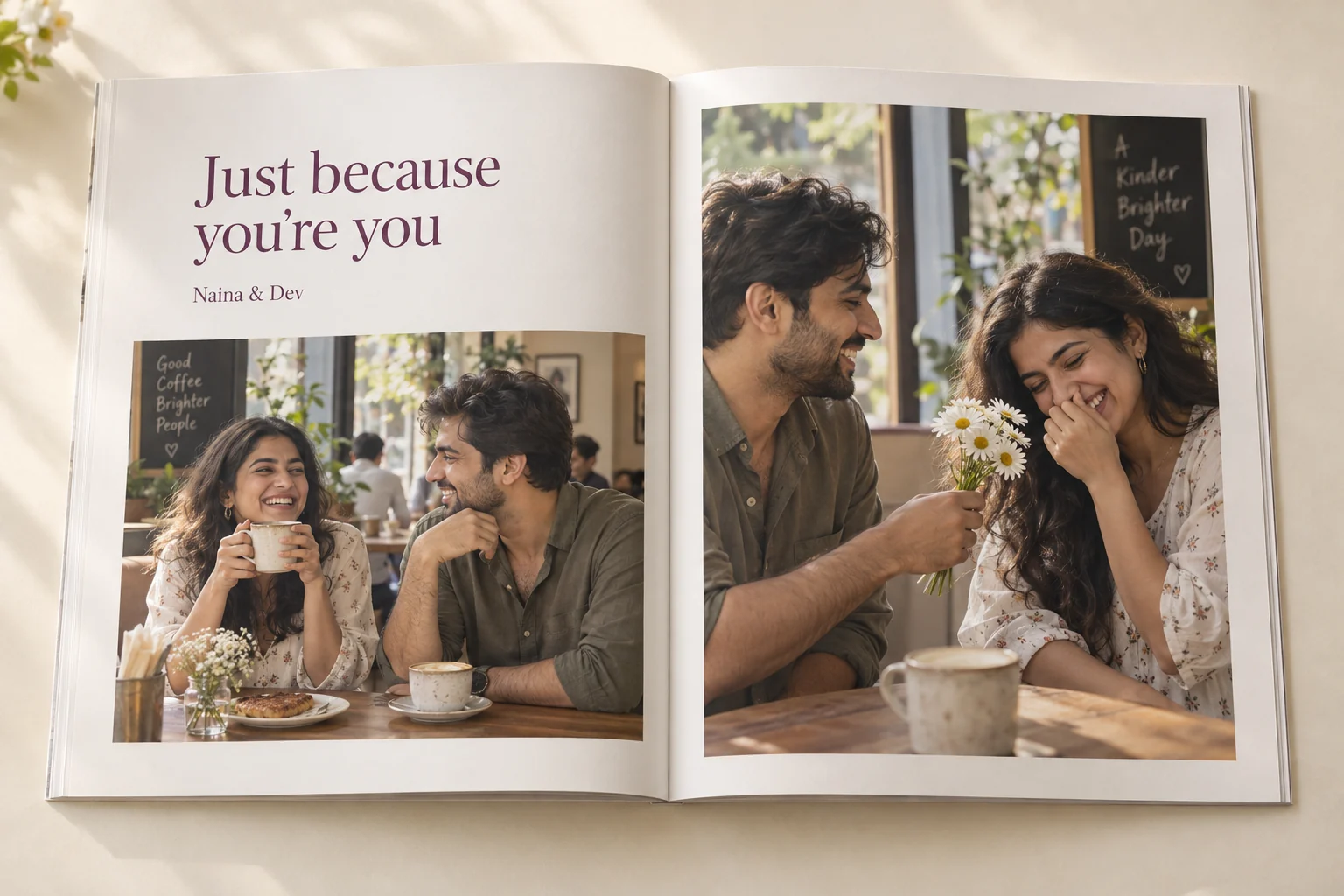 Custom photo booksCustom Photo Book OnlineDesigned for you, professionally printed and ordered on WhatsApp.Explore the guide →Anniversary giftsAnniversary Photo BookTurn the years you have shared into a printed anniversary keepsake.Explore the guide →
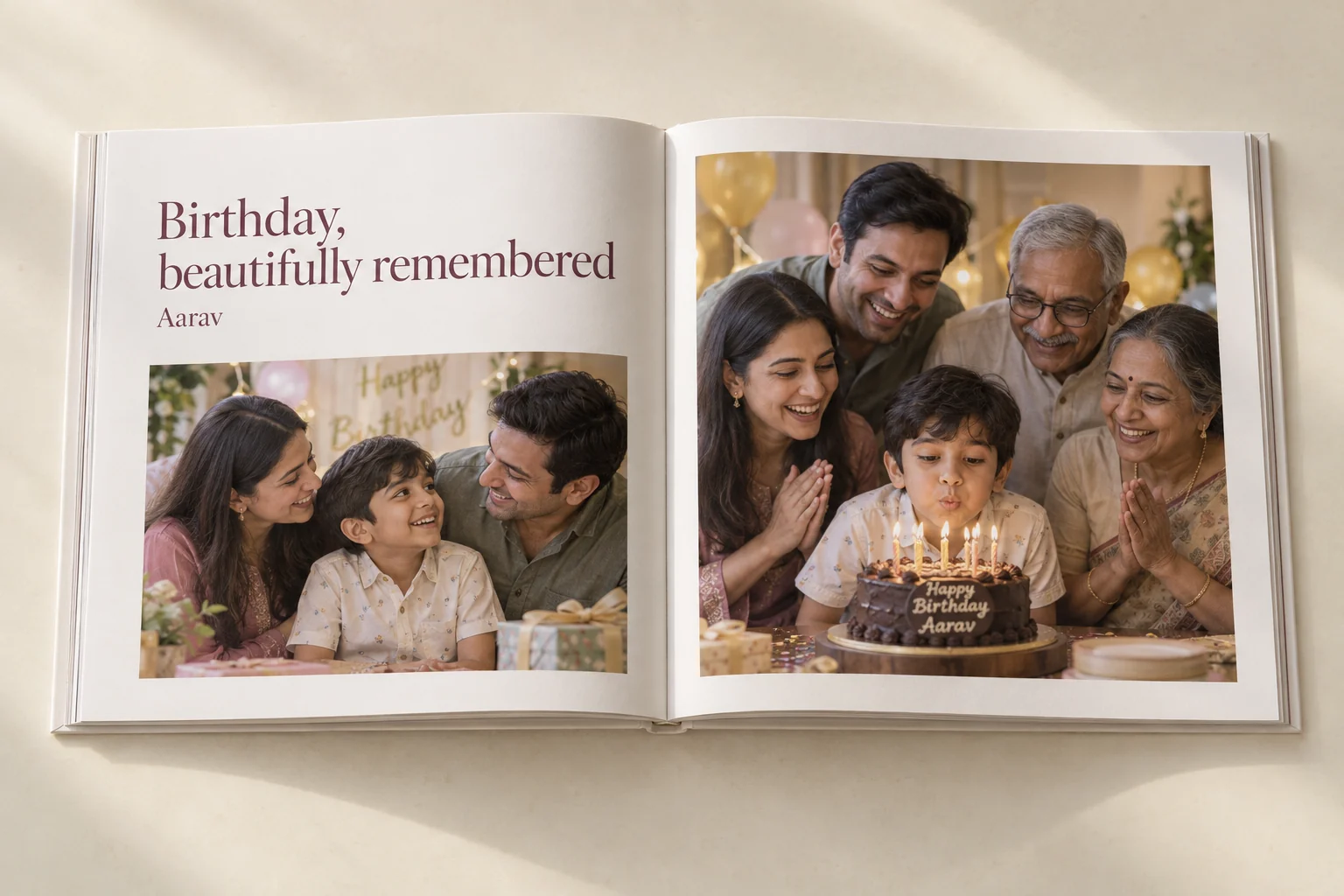 Birthday giftsBirthday Memory BookA personalized birthday photo book with messages from their favourite people.Explore the guide →
Turn your photos into a book worth keeping.
Share your photographs and a few lines. The studio will design the pages, you approve them, and it is professionally printed. Books start at ₹1,199.