
Home / Blog / Family photo book themes
Photo Book TipsFamily Photo Book Themes and Layout Ideas That Tell a Story
The best family photo book themes are built around a clear thread: a year, a festival, three generations, a home, a trip or a recipe. Pick one theme, group photos into chapters, and keep layouts simple so every page has a clear focus.
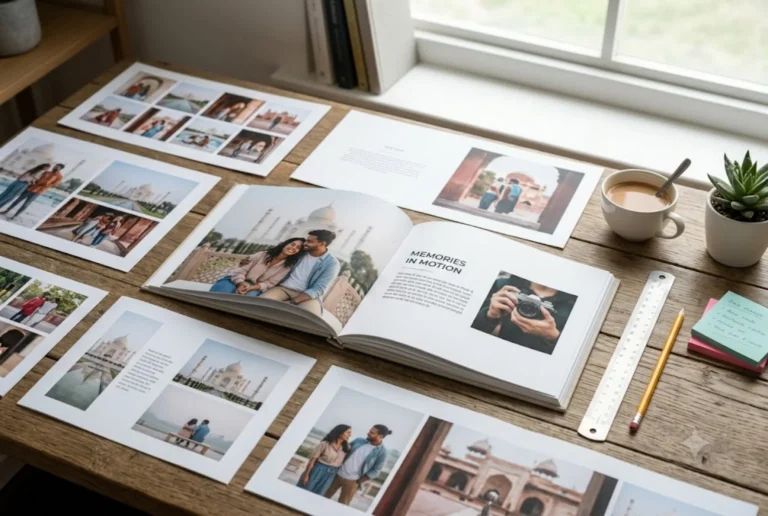
A family photo book works best when it tells one story, not when it dumps every picture from a hard drive. A theme gives you rules for what goes in, what stays out and how the pages flow.
Below are practical family photo book themes, each with a suggested chapter plan and layout notes. For page-level design basics, see our photo book layout and design tips, and for the right photo count read how many photos in a photo book.
Why a theme helps
Without a theme, a book becomes a long scroll of unrelated pictures. A theme narrows your choices, makes sorting faster and gives the finished book an emotional shape. It also helps when several relatives contribute photos, because everyone knows what you are collecting.
Theme 1: A year in the life of the family
Arrange photos by month or season. Open with a family portrait and close with the next year's wishes. Include small everyday scenes along with festivals and trips. Our year in review photo book ideas go deeper into this format.
Theme 2: Three generations
Place grandparents, parents and children in matched poses across pages, such as the same chair or doorway over different decades. Add short captions with names and years. Old scanned photos pair well with new ones if you keep a consistent border or colour tone.
Theme 3: Festivals and traditions
Make chapters for Diwali, Holi, Eid, Christmas or regional festivals your family celebrates. Include food, rangoli, outfits and the elders' rituals. Add a short note under each chapter about what the festival means at your home.
Theme 4: Our home and recipes
Combine photos of rooms, balcony corners and kitchen scenes with family recipes in handwriting. This theme turns a photo book into a keepsake cookbook that the next generation can use.
Theme 5: Trips and milestones
Organise by journey or milestone: first day of school, graduation, wedding, new home. Use a map page at the start of each trip chapter. For ideas, see travel photo book ideas and captions.
Layout ideas that work
- One hero photo per spread with two or three smaller supporting images.
- Full-bleed openers for each chapter, followed by lighter pages.
- Consistent margins and a limited set of fonts.
- White space so photos can breathe.
- Captions with names, places and years, kept short.
Choosing and sorting photos
- Gather photos in one folder, including scans of older prints.
- Remove blurry and duplicate shots.
- Group by chapter.
- Choose one strong photo for each page opener.
- Check faces and eyes in group photos.
Making it with Ragnar Studio's
If you would rather hand over the layout work, Ragnar Studio's designs custom family photo books, starting from ₹799 / $19. Send photos by theme and we will draft pages and share a proof before print. Contact us to begin.
Pages and binding choices
Every Ragnar Studio's photo book is A4, so the main choice is the page count. Hardcover feels like a keepsake, while softcover suits a gift for many relatives. More pages give photos more room but cost more, so decide the page count after you know your photo count. If you plan to give copies to several relatives, build one master design and order duplicates so every family branch gets the same story. Compare book formats in our guide to photo book vs photo album vs scrapbook.
Keeping the book consistent
Choose a colour palette from the photos themselves, such as warm browns for old prints or festival oranges for celebrations, and repeat it in backgrounds and text. Use the same caption style on every page and avoid mixing too many fonts. Consistency makes a book with photos from many cameras and years feel designed instead of assembled.
Adding voices and stories
Photos show what happened, but words explain why it mattered. Ask elders for one or two lines about a picture, such as who is in it and what the day was like. Record a short voice note on your phone and type the best sentence into the caption. These small stories are often the most treasured part of a family book years later.
Frequently asked questions
What are good themes for a family photo book?
A year in review, three generations, festivals and traditions, home and recipes, or trips and milestones are popular and easy to organise.
How many photos should a family photo book have?
It depends on the page count. Most books work with one to three photos per page, with some full-page images.
Should I arrange photos by date or by theme?
Choose one. Chronological order suits a year book, while a theme suits a heritage or festival book.
Can I include old scanned photos?
Yes. Scan at good resolution and keep a consistent look so old and new photos sit well together.
How do I add captions?
Keep them short with names, place and year. Longer stories can go on separate text pages.
Can Ragnar Studio's design the layout?
Yes. Share your photos and theme and we design the pages and send a proof before printing.
Ready to start your family book? Send your photos to Ragnar Studio's or check our pricing.
Start your book
Tell us your story.
Build your enquiry here, then send it in WhatsApp. We’ll discuss the design, final price and delivery before you order.
- Choose a page count and occasion
- Add as much or as little story as you like
- Send photos in the same WhatsApp chat
- 1Book
- 2For
- 3Story
- 4Photos
- 5You
- 6Review
To create a book, contact us on WhatsApp or email info@ragnarstudio.com. The step-by-step form needs JavaScript.
Almost there
Your enquiry is ready to send.
Open WhatsApp, review the message and press Send. Share your selected photos in the same chat.
Keep reading.
More ideas and guides from Ragnar Studio's.
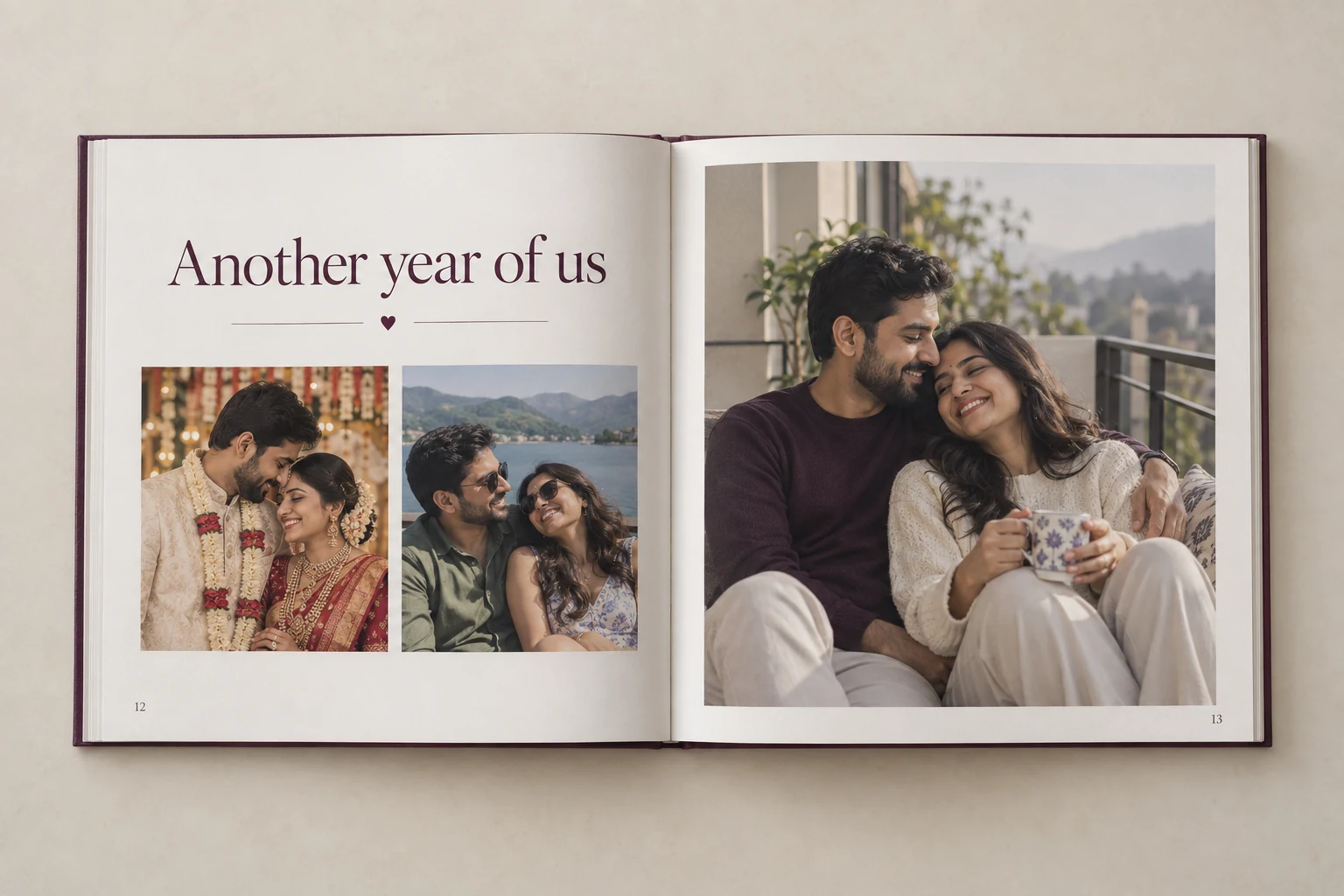 Gift Ideas · 8 min readAnniversary Gift Ideas by Year: 1st to 50th (With Personal Twists)From paper on the first anniversary to gold on the fiftieth, here are traditional anniversary themes, and ways to make each gift personal.Read the article →
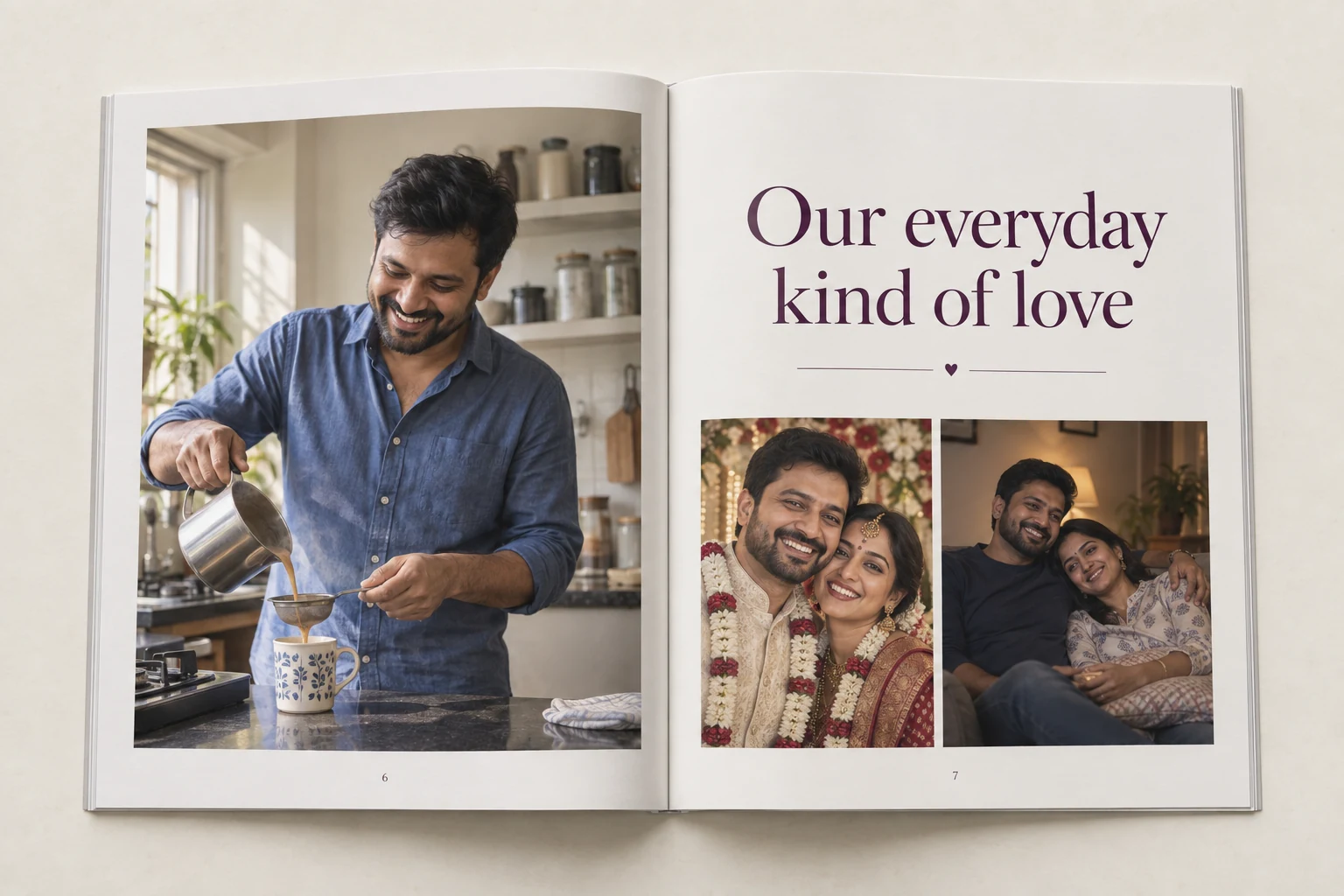 Gift Ideas · 7 min read25 Birthday Gift Ideas for Husband That Feel PersonalSkip the usual shirt and perfume. Here are 25 birthday gift ideas for your husband, sorted by personality, budget and how much planning they need.Read the article →
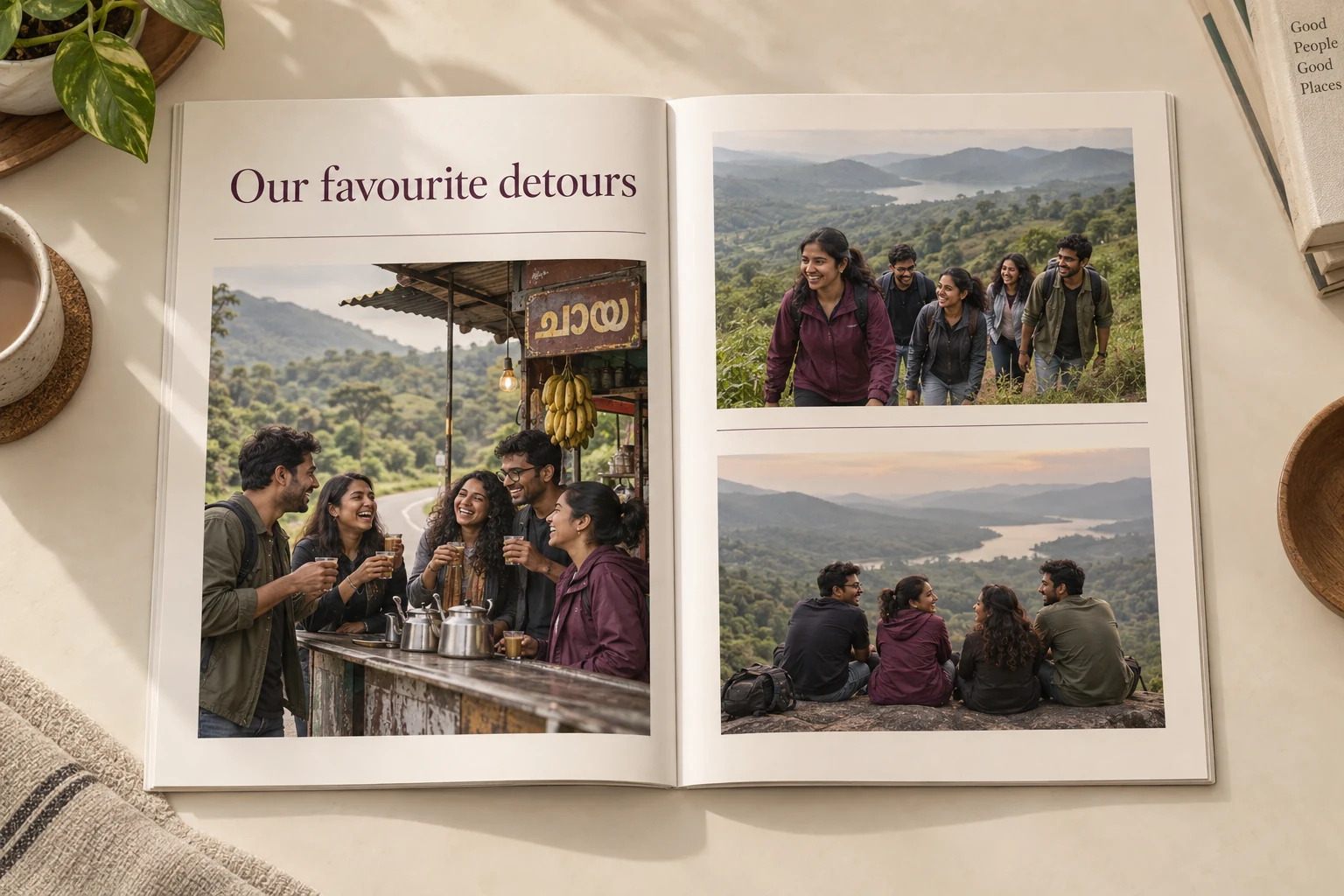 Photo Book Tips · 6 min read50 Photo Book Caption Ideas: Funny, Romantic and FamilyA good caption turns a photograph into a story. Here are 50 caption ideas for photo books, plus a simple formula for writing your own.Read the article →
 Custom photo booksCustom Photo Book OnlineDesigned for you, professionally printed and ordered on WhatsApp.Explore the guide →Anniversary giftsAnniversary Photo BookTurn the years you have shared into a printed anniversary keepsake.Explore the guide →
 Birthday giftsBirthday Memory BookA personalized birthday photo book with messages from their favourite people.Explore the guide →
Turn your photos into a book worth keeping.
Share your photographs and a few lines. The studio will design the pages, you approve them, and it is professionally printed. Books start at ₹799 / $19.